Database Design
for Solo Founders
Your database is where all your data lives. Getting the basics right early matters more than getting them perfect — because you will change them later anyway.

Your database is the filing system in the back office. One cabinet for Customers, one for Reservations, one for Payments. Every drawer has folders with the same tabs. A customer's reservation card has their customer number on it — pull that number, find their full file in the other cabinet. That cross-reference is how everything connects.
If You Can Use a Spreadsheet, You Can Use a Database
Tables, rows, columns — it is the same thing with better security and speed.
A structured collection of data with rows and columns — like a spreadsheet tab. Each table holds one type of thing: Users, Orders, Payments. Each row is one entry. Each column is one piece of information about that entry. A database is a collection of these tables that can reference each other.
Think of it like a gym membership system. Your Members table has a row for every person who signed up — name, email, when they joined, what plan they chose. Your Classes table has a row for every class offered — yoga, spin, boxing, what time, who teaches it. Your Bookings table has a row for every time someone signs up for a class.
The tables are connected. Every booking row points to a member row and a class row through shared IDs. "Show me all of Sarah's bookings this month" is one simple question. "Which class has the most signups?" is another. The database answers instantly because the relationships are built in.
If you have used Google Sheets or Excel, the only conceptual leap is this: in a spreadsheet, you copy data between tabs. In a database, you reference it. Instead of pasting a member's name into every booking row, you store the member's ID and the database looks it up when needed. One source of truth. Change the name once, it updates everywhere.
A column in one table that points to a row in another table. Think of it like an employee badge number on a parking permit — the permit does not store the employee's name, department, and start date. It just stores the badge number. Swipe that number and you get the full employee record from HR's system. That badge number on the parking permit is the foreign key.
Foreign keys are the single most important concept in database design. Without them, your tables are isolated spreadsheets. With them, "show me every reservation for user #4291, along with each payment status" is one query — three tables, one answer, in milliseconds.
They also protect you from orphaned data. Without them, you can delete a user while their reservations still exist — pointing to nobody. With foreign keys enabled, the database refuses the delete until you deal with the related records first.

The First Three Tables You Need
Almost every product starts with the same foundation.
Users
Who signed up. Email, name, when they created their account, what plan they chose. This is your foundation — almost every other table will have a foreign key pointing back here. If your backend platform includes authentication, this table might already exist.
The Core Action
Whatever your product does. For a reservation app: Reservations. For a task manager: Tasks. For an e-commerce store: Orders. For a fitness app: Workouts. This table holds the primary thing users interact with. It always has a user_id foreign key connecting back to Users.
Payments
How they pay you. Amount, date, status (succeeded, failed, refunded), processor transaction ID. Even if you start free, build this table now. Retrofitting payment tracking into a product with live users is one of the most stressful things you can do.
Everything else grows from these three. You will add tables — analytics events, feature flags, content, logs. But these three establish the pattern: who is the user, what did they do, how did they pay.
-- Table 1: Your users
CREATE TABLE users (
  id          uuid  PRIMARY KEY DEFAULT gen_random_uuid(),
  email       text  UNIQUE NOT NULL,
  name        text,
  plan        text  DEFAULT 'free',
  created_at  timestamptz DEFAULT now()
);

-- Table 2: The core action (reservation app example)
CREATE TABLE reservations (
  id           uuid  PRIMARY KEY DEFAULT gen_random_uuid(),
  user_id      uuid  REFERENCES users(id),
  date         date  NOT NULL,
  party_size   int   DEFAULT 1,
  status       text  DEFAULT 'pending',
  created_at   timestamptz DEFAULT now()
);

-- Table 3: How they pay
CREATE TABLE payments (
  id               uuid  PRIMARY KEY DEFAULT gen_random_uuid(),
  reservation_id   uuid  REFERENCES reservations(id),
  amount           numeric NOT NULL,
  status           text  DEFAULT 'pending',
  processor_id     text,
  created_at       timestamptz DEFAULT now()
);
Notice the pattern. Every table has an id (UUID), a created_at timestamp, and a foreign key pointing to its parent. The REFERENCES keyword creates the foreign key constraint — the database rejects any reservation pointing to a nonexistent user.
Why UUIDs instead of auto-incrementing numbers (1, 2, 3...)? Two reasons. They are unguessable — a user cannot change the URL to /reservation/3 and see someone else's booking. And they work across systems — your payment processor, auth provider, and database can all generate IDs independently without collisions.
Row-Level Security: Your Last Line of Defense
The feature that prevents your worst data breach nightmare.
A database feature that controls who can see which rows. Think of an apartment building where every tenant has a mailbox. Your key opens your mailbox. It does not open your neighbor's, even though both mailboxes are in the same wall. RLS is the lock. Even if your application code accidentally tries to open the wrong mailbox, the lock stops it.
Without RLS, your application code is the only thing between User A and User B's data. Every API endpoint, every query has to remember to add WHERE user_id = current_user. Miss it once — in one endpoint, in one late-night debugging session — and you have a data breach.
With RLS, even if your code forgets the filter, even if someone crafts a malicious request, the database itself returns only the rows that belong to the authenticated user. Imagine a hospital patient portal without RLS — a bug in one screen could expose Patient A's medical records to Patient B. With RLS, even if every line of application code failed, the database still refuses to show the wrong records.
This is not optional. If your database platform supports RLS, turn it on. Five minutes to write the policy prevents the five-alarm fire of explaining to users why someone else saw their data.
-- Turn on RLS for the table
ALTER TABLE reservations ENABLE ROW LEVEL SECURITY;

-- Users can only see their own rows
CREATE POLICY "Users see own reservations"
  ON reservations
  FOR SELECT
  USING (user_id = auth.uid());

-- auth.uid() = the currently logged-in user's ID
-- Every SELECT now automatically filters.
-- No changes needed in your application code.
The Traps Nobody Warns You About
These will cost you days if you learn them the hard way.
// You ask for all your users:
const { data } = await db
  .from('users')
  .select('*')
// data.length === 1000
// You actually have 5,000 users.
// Your dashboard says 1,000. Your investor deck says 1,000.
// Everything is wrong and nothing errored.

// The fix — ask the database to count:
const { count } = await db
  .from('users')
  .select('*', { count: 'exact', head: true })
// count === 5000 ✓
Most managed database platforms cap API responses at 1,000 rows by default. This is a sensible performance guardrail. The problem is the cap is silent. No error. No warning. You ask for everything, you get 1,000 rows, and your code happily treats that number as the truth.
The trap is insidious because it works perfectly at first. With 200 users, you get all 200. At 1,000, still correct. At 1,001, you still get 1,000 — and now your data is wrong but nothing in your code changed. The bug appears months after the code was written.
Asking the database to do the math instead of doing it yourself. Instead of "give me all 5,000 rows and I will count them" (which silently caps at 1,000), you say "count the rows and just tell me the number." The database always returns the correct answer because it works with the full dataset. Use COUNT, SUM, AVG, MIN, MAX — let the database do the heavy lifting.
If your dashboard numbers come from SELECT queries without server-side COUNT, they are probably wrong the moment you pass 1,000 rows. Every number on every dashboard should come from an aggregation query — never from counting rows your code received.
// AI writes this confidently:
.eq('customerId', '...')       // Wrong. Returns empty.
.eq('userId', '...')           // Wrong. Returns empty.

// Actual column name in your database:
.eq('user_id', '...')          // Correct ✓

// AI uses camelCase (JavaScript style).
// Your database uses snake_case (SQL style).
// No error. Just empty results. Maddening.
This is one of the most common AI hallucination patterns (more in Chapter 17). The AI understands the concept but guesses the column name — writing customerId when your column is actually user_id. The query does not error. It just returns nothing.
The fix: keep a reference document with your exact table and column names. When AI writes a database query, check the column names against your reference before running. Five seconds of verification prevents a thirty-minute debugging session.
-- You meant to delete one cancelled reservation:
DELETE FROM reservations
  WHERE id = 'abc-123' AND status = 'cancelled';
-- Deletes one row. Safe. ✓

-- What AI sometimes generates:
DELETE FROM reservations;
-- Deletes EVERY reservation. All of them. Gone.
-- There is no "undo" button.

-- Same danger with UPDATE:
UPDATE users SET plan = 'free';
-- Every paying customer is now on the free plan.
-- Your revenue just went to zero.Never run a DELETE or UPDATE without a WHERE clause. Before executing any destructive query, read it out loud. "Delete from reservations where..." — if there is no "where," stop. It is the database equivalent of accidentally sending "Reply All" to the entire company, except instead of embarrassment, you lose months of user data in under one second. There is no undo.
Your First Design Will Be Wrong
That is not failure — it is expected. Here is how to evolve safely.
You will add columns, rename things, and restructure tables as you learn what your product actually needs. A table that started with five columns will have fifteen by month six.
This process is called migration — changing your database structure without losing existing data. It is the equivalent of renovating a restaurant while it is open. You cannot shut down because real customers have real data in there.
Add Column
Safe. Blanks fill existing rows.
Rename Column
Risky. Find every reference first.
Delete Column
Permanent. Data gone forever.
Adding a column is always safe. The new column shows up empty for existing rows and gets filled in for new ones. This is the most common migration you will run.
Renaming a column is risky because every piece of code referencing the old name breaks instantly — edge functions, app code, RLS policies, AI conversation context. Before any rename, search your entire codebase for the old name and update every reference.
Deleting a column is permanent and immediate. If you had 10,000 rows of data in a "notes" column and you drop it, those notes are destroyed. No recycle bin. If the answer to "will I ever need this data?" is anything other than a confident no, leave the column alone.
Always test migrations in a sandbox first (Chapter 7). Run the migration in a test environment, verify nothing breaks, then run it in production.
-- SAFE: Adding a column
ALTER TABLE users ADD COLUMN phone text;
-- Existing rows get NULL. Nothing breaks.

-- SAFE: Adding with a default value
ALTER TABLE reservations ADD COLUMN source text DEFAULT 'web';
-- Existing rows get 'web'. New code can use 'app' or 'api'.

-- RISKY: Renaming (update ALL references first)
ALTER TABLE users RENAME COLUMN name TO full_name;
-- Every query using .select('name') now returns nothing.

-- PERMANENT: Dropping a column
ALTER TABLE users DROP COLUMN phone;
-- Data destroyed. Cannot be recovered.
Backups: The Insurance You Hope to Never Use
Automatic backups cover yesterday. Today is on you.
Most managed database platforms include automatic daily backups. If something catastrophic happens, you can restore to the last backup point — usually sometime in the past 24 hours.
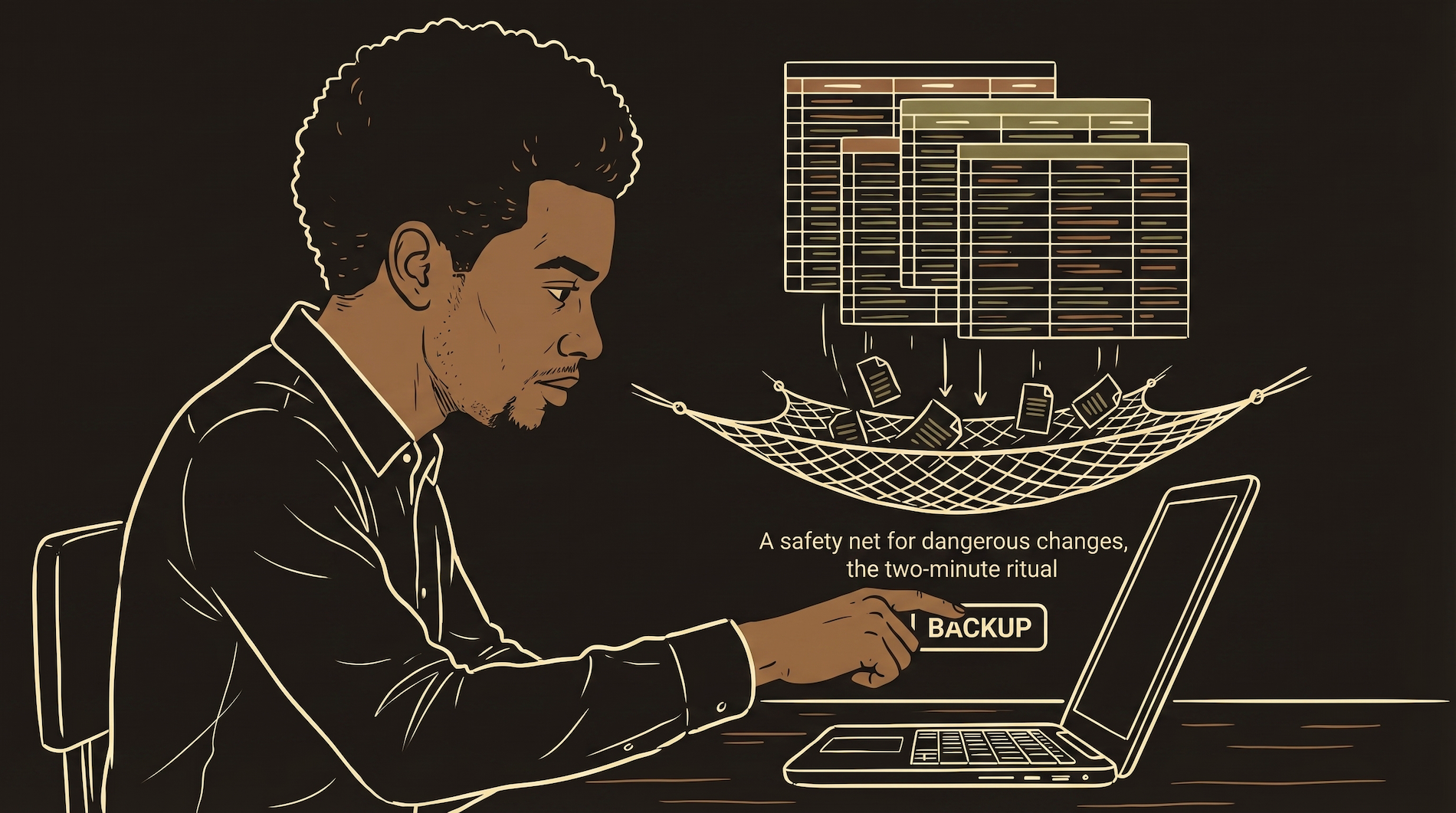
The gap is today. If you make a dangerous schema change at 3pm and the last automatic backup was at 2am, thirteen hours of data exists only in the live database. If your change goes wrong, you lose every signup, every payment, everything since 2am.
The rule: Before any operation that could destroy data — schema changes, bulk deletes, migration scripts — trigger a manual backup first. Most platforms let you do this from the dashboard in two clicks. Two minutes of prep prevents a catastrophic loss.
Automatic backups are home insurance — they cover the house if it burns down. Manual backups before risky changes are photocopying the week's receipts before you reorganize the filing cabinet. If you put a folder in the wrong drawer, you have the copies. You need both.
What to Watch For at Scale
You will not need these on day one. Know what they are so you recognize the symptoms.
Indexes
At 100,000 rows, queries without indexes slow dramatically. An index is like the index in the back of a textbook — instead of reading every page to find "photosynthesis," you jump straight to page 247. Add indexes to columns you frequently search or sort by.
Connection Pooling
Every time your app talks to the database, it opens a connection. At scale, hundreds happen at once. Most platforms handle this, but if your app starts timing out under load, you are hitting connection limits. Connection pooling shares connections across requests instead of opening a new one each time.
Read Replicas
As your product grows, reads vastly outnumber writes. A read replica is a copy of your database that handles read-only queries, taking load off the primary. Not needed at 1,000 users. Worth considering at 50,000.
The Database Launch Checklist
Run through this before you have real users with real data.
| Item | Why It Matters | When |
|---|---|---|
| Every table has a UUID primary key | Unguessable IDs prevent users from accessing other users' data by changing URLs | Before first user signs up |
| Foreign keys on all relationship columns | Prevents orphaned data and enforces data integrity at the database level | Before first user signs up |
| RLS enabled on every table with user data | Even if your code has a bug, no user can see another user's data | Before first user signs up |
Every created_at column has a default | You will forget to pass timestamps in code. The database should handle it automatically | Before first user signs up |
| Dashboard numbers use server-side aggregation | Avoids the silent 1,000-row cap that makes every metric wrong | Before any reporting or metrics |
| Schema reference document exists | AI will guess column names wrong. Your reference doc is the source of truth | The moment you create your first table |
| Automatic backups confirmed active | Most platforms enable this by default but verify — you do not want to discover it was off after a disaster | Before first user signs up |
| Manual backup taken before schema changes | Automatic backups cover yesterday. Manual backups cover right now | Every time you change structure |
Your database is the foundation. The app, the API, the frontend — all of that can be rebuilt. The data cannot. Protect it like it is the only thing that matters, because for your users, it is.