Lessons That
Cost Me Time
Every lesson here was learned the hard way. Some cost hours, some cost days, one cost three days of lost revenue and another cost $100 in wasted API fees. If this chapter saves you even one mistake, the whole guide was worth reading.
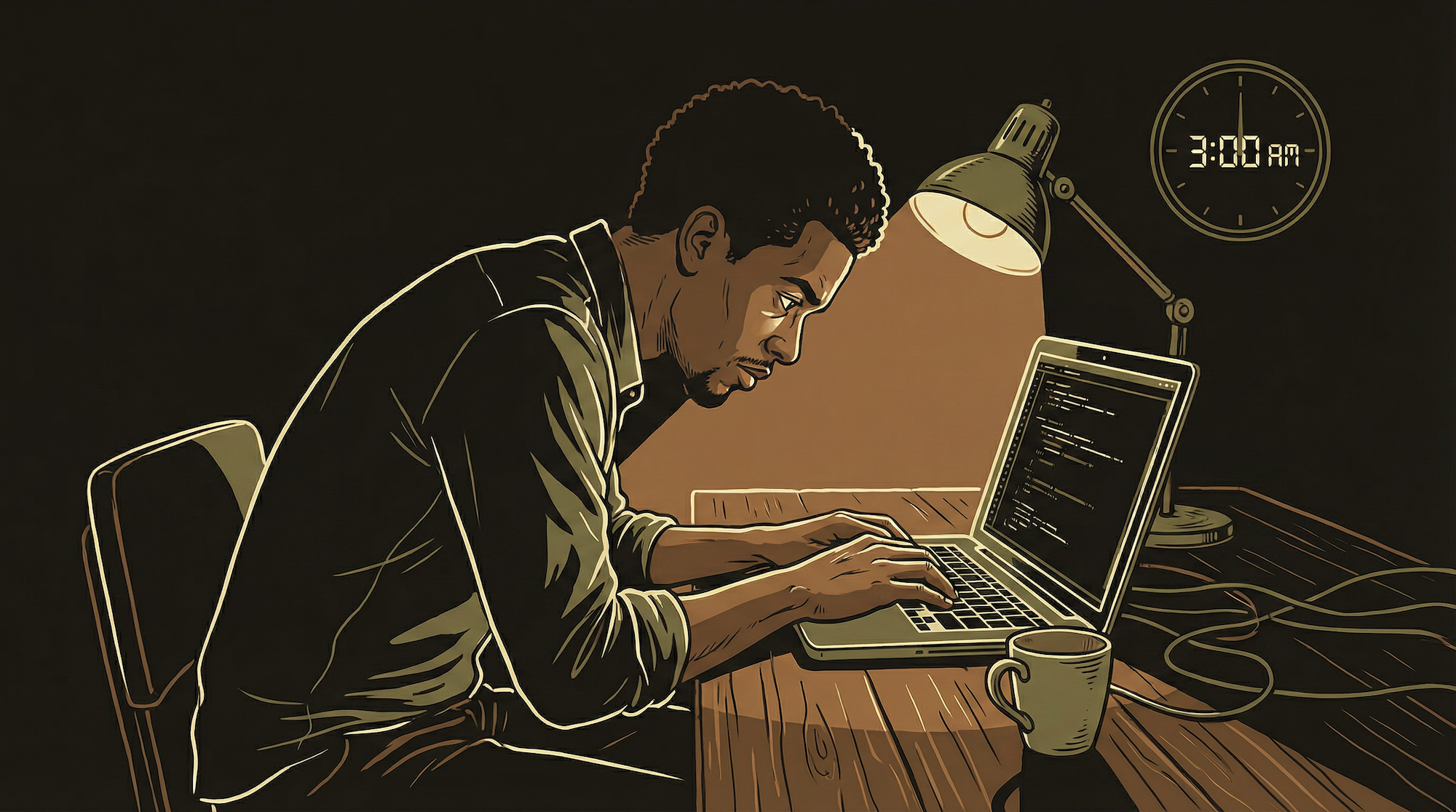
When something breaks loudly — an error message, a crash screen, a red warning — you notice immediately and fix it. Problem solved in minutes. The dangerous failures are the ones that look fine on the surface but are quietly doing the wrong thing underneath.
I had a payment webhook that received notifications from my payment processor, returned a "success" code (so the processor thought everything was handled), but did not actually update my database because of a typo in a variable name. Users were paying for subscriptions and not getting access. The payment dashboard showed successful transactions. My database showed nothing.
The disconnect went unnoticed for three days until a user emailed asking why their account was not upgraded. Three days of manual reconciliation. The fix was one line of code — a typo in a column name.
// Payment webhook handler
const event = verifyWebhookSignature(body, sig, secret);

if (event.type === 'checkout.completed') {
  const session = event.data.object;

  const { error } = await db
    .from('subscriptions')
    .update({ status: 'active' })
    .eq('processor_id', session.custmer_id)  // typo: custmer

  // No rows matched. Error is null. Processor gets 200.
  // Database unchanged. User never activated.
  // Three days before anyone noticed.

  return new Response('ok', { status: 200 });
}
Never trust that something works just because it does not fail visibly. Verify the complete chain — from trigger to database to user experience.
The defense: build verification into your monitoring (Chapter 14). Your daily digest should include a sanity check: "Total paying subscribers: 47. Total with active access: 47. Mismatch: 0." If those numbers ever disagree, you have a silent failure in progress. The webhook that returns 200 but does nothing is the most common production bug in subscription products. Expect it. Build the check that catches it.
Read Before You Act — Always
The most expensive bugs come from assumptions about what exists.
When you work with AI coding tools, the single biggest source of friction is guessing instead of verifying. The AI guesses at database column names. It guesses at file paths. It guesses at which function handles what. It sounds confident. It is often wrong.
I tracked this across hundreds of coding sessions. The pattern was consistent: the most time-consuming bugs came from the AI diving into implementation without reading the actual schema, the actual codebase, the actual production state first. It would fabricate column names that did not exist. It would use API methods that were never real. It would reference file structures from a version of the codebase that no longer existed.
The fix is simple but requires discipline: always read before you write. Check the database schema before writing SQL. Check the existing component before building a new one. Check git history before guessing at root causes. This applies to you as a human and to any AI tool you work with. Make it a rule: "Before writing any code, read the actual current state of the thing you are about to change."
Batch Operations Need Limits — The $100 Lesson
AI tools will happily burn through your entire API budget in one run.
I asked an AI tool to generate quiz questions for my content library. I expected roughly 300 questions. It generated 3,500 — making an API call for each one. The bill was over $100 before I noticed. The AI was not being malicious; it was being thorough. It found every possible permutation and generated content for all of them.
The rule now: before any batch operation, state the expected count, estimated API calls, and approximate cost. "I expect ~300 items, that is ~300 API calls, at roughly $0.03 each = ~$9." Then confirm before executing. This turns a potential $100 mistake into a 10-second confirmation step.
Before running any batch operation: (1) How many items will this process? (2) How many API calls per item? (3) What is the cost per call? (4) What is the total estimated cost? (5) Is there a dry-run mode? Always dry-run first. A 10-second confirmation saves a $100 mistake.
Match Exactly — Do Not Embellish
AI tools add things you did not ask for. This is how working code gets broken.
You ask for a button. You get a button, a tooltip, an animation, a loading state, and a refactored component structure. The extra work looks impressive. It also breaks three existing patterns, introduces untested code paths, and takes 20 minutes to revert.
AI tools are trained on code that is often over-engineered. They default to adding features, refactoring adjacent code, and "improving" things they were not asked to touch. Every addition is an untested change. Every refactor is a potential regression. Every "improvement" is code you now have to review, test, and maintain.
The rule: change only what was requested. Match what exists exactly. If you ask the AI to fix a button color, it should fix the button color. Not the button color, the font size, the padding, and the component architecture. If you want those other changes, ask for them separately, one at a time, so you can verify each one.
When you see "I also improved..." or "While I was at it, I refactored..." in an AI response, that is the signal to reject the change and ask again with explicit scope constraints: "Fix ONLY the button color. Do not modify anything else. Do not add features. Do not refactor."
Do Not Chain Risky Actions Together
If step 1 fails silently, step 2 makes it worse.
Break complex operations into separate steps. Check the result of each step before proceeding to the next. "Copy file, verify file exists, process file, verify output is valid, deploy output." Five steps instead of one chain. The extra 30 seconds of verification prevents the cascading failure that takes hours to unwind.
Sandbox and Production Are Different Universes
I deployed a backend function with sandbox API keys to production. Everything looked correct in the code editor. The function deployed without errors. But it was pointing at test data, not real data. Users got empty responses for hours before I caught it.
Always confirm which environment before any operation. Before you query a database, before you deploy a function, before you sync anything — ask: "Am I in sandbox or production?" This is especially dangerous with AI tools that maintain context across many messages. By message 30, the AI has forgotten whether you said "use sandbox" back in message 5. If you are doing anything with real user data or real money, re-state the environment every time.
Long Sessions Compound Errors
The longer a session runs, the more context degrades and the more mistakes accumulate.
The most productive coding sessions are short and focused. The most destructive sessions are the marathon ones where you try to fix the UI, deploy a backend change, debug a payment issue, and update content all in one sitting.
Sessions covering 4-5 different goals had the highest error rates. The AI loses context on constraints you set earlier. A rule you established in message 5 — "do not touch the header component" — gets forgotten by message 35 when the AI modifies the header to fix an unrelated layout issue. You do not notice because you are deep in a different problem.
Break work into scoped checkpoints. Deploy the function. Stop. Verify it works. Then start a fresh session for the next task. This catches regressions before they cascade. It also forces you to verify each change in isolation, which is when you catch the subtle bugs that marathon sessions miss entirely.
AI Adds Complexity to Hide Uncertainty
When an AI solution feels more complex than the problem, push back hard.
AI tools invent APIs that do not exist. "Just use the .autoSync() method" — there is no autoSync method. If something sounds too convenient, verify it exists before building on top of it. One fabricated method becomes the foundation for an hour of debugging code that was never going to work.
They contradict their own earlier advice. They recommend architecture A in message 10, then recommend architecture B in message 60 without acknowledging the change. Your written documentation (Chapter 6) survives longer than AI conversational memory. Trust the docs over the chat.
Most dangerously, they over-engineer to avoid saying "I do not know." Instead of admitting uncertainty, the AI builds an elaborate workaround involving three helper functions, a custom class, and a configuration layer. If a solution feels more complex than the problem it solves, ask: "Is there a simpler way?" The answer is almost always yes.
If the AI's solution involves more files than the problem touches, something is wrong. Simplicity is a feature. Complexity is a cost.
Pick One Source of Truth for Everything
When the same information lives in two places, eventually those two places will disagree. It is not a question of if — it is when. And when it happens at 2am on a Saturday, you need to know instantly which version is correct.
Payment status? Your payment processor is the boss — your database follows it. User profile data? Your database is the boss. External API configurations? The external provider is the boss — your database mirrors it, never the reverse.
Write this down in your project instruction file (Chapter 6). When something is wrong and two systems disagree, you look at the source of truth first. Do not debug from the copy. Debug from the original.
When to Restart vs When to Iterate
Knowing when to throw away an approach and start fresh is a skill. Here is when.
Iterate When
The approach is fundamentally sound but the implementation has bugs. The fix is clear — you can describe it in one sentence. You are fewer than 3 debugging rounds in. The AI understands the problem and is making progress. Each iteration gets closer to working. Stay the course — you are converging.
Restart When
You are 5+ debugging rounds in and the fix for each bug introduces a new bug. The AI is chasing its own tail — fixing A breaks B, fixing B breaks C. The approach might be wrong at a fundamental level, not just an implementation detail. Start a new conversation. Describe the goal fresh. Do not paste the broken code.
The sunk cost fallacy is powerful. "I have spent 2 hours on this approach — I cannot throw it away." Yes you can. Starting fresh with a clean description of the goal often produces a working solution in 15 minutes that the previous 2 hours of iteration never reached. The AI's context gets polluted with failed attempts, workarounds, and contradictory constraints. A fresh start clears all of that.
Never Deploy on Friday
I know. You finished the feature. It works in sandbox. You want to ship it before the weekend. The urge is overwhelming. Do not do it.
If something breaks after a Friday deploy, you either spend your weekend fixing it or your users spend the weekend suffering. Monday morning you come in to a mess instead of a fresh start. The feature will still be ready on Monday. Your weekend will not be recoverable.
Ship Monday through Thursday. During hours when you will be at your computer for at least 30 minutes after deploy. Watch the logs. Check the monitoring channels. Verify the change works with real traffic. A deployment is not done when the code is live — it is done when you have confirmed it works with real users.
The Systems That Save You
Every lesson above points to the same conclusion: build systems, not heroics.
Documentation (Ch 6)
Saves you from re-explaining context to every new AI conversation. Saves you from forgotten decisions. Saves future you from present you's undocumented shortcuts.
Sandbox-First (Ch 7)
Saves you from breaking production with untested changes. Saves you from the "small change" that cascades into a three-day outage. Saves your users from being your test subjects.
Monitoring (Ch 14)
Saves you from silent failures that go unnoticed for days. Saves you from finding out about problems from angry user emails instead of automated alerts. Saves your sleep.
The builders who ship successfully are not the ones who never make mistakes. They are the ones who build systems that catch mistakes before they reach users.
What Comes Next
This guide will keep growing. AI tools evolve every month. New platforms emerge. Best practices change. Chapters will be updated and new ones added as the landscape shifts.
If you have read this far, you know more about building an AI product alone than 99% of people who talk about it online. You know about silent failures and how to catch them. You know about batch operations and how to limit them. You know about sandbox-first development and why skipping it costs more than it saves. You know about documentation that compounds and monitoring that lets you sleep.
The gap between knowing and doing is one step: start. Pick your stack (Chapter 2). Open your first AI conversation (Chapter 4). Build something small. Break it. Fix it. Document what you learned (Chapter 6). Repeat.
That is the whole game. Welcome to it.