Sandbox-First
Development
You do not have a testing team. You are the whole team. A sandbox is where you break things safely so your real product never breaks in front of real people paying real money.
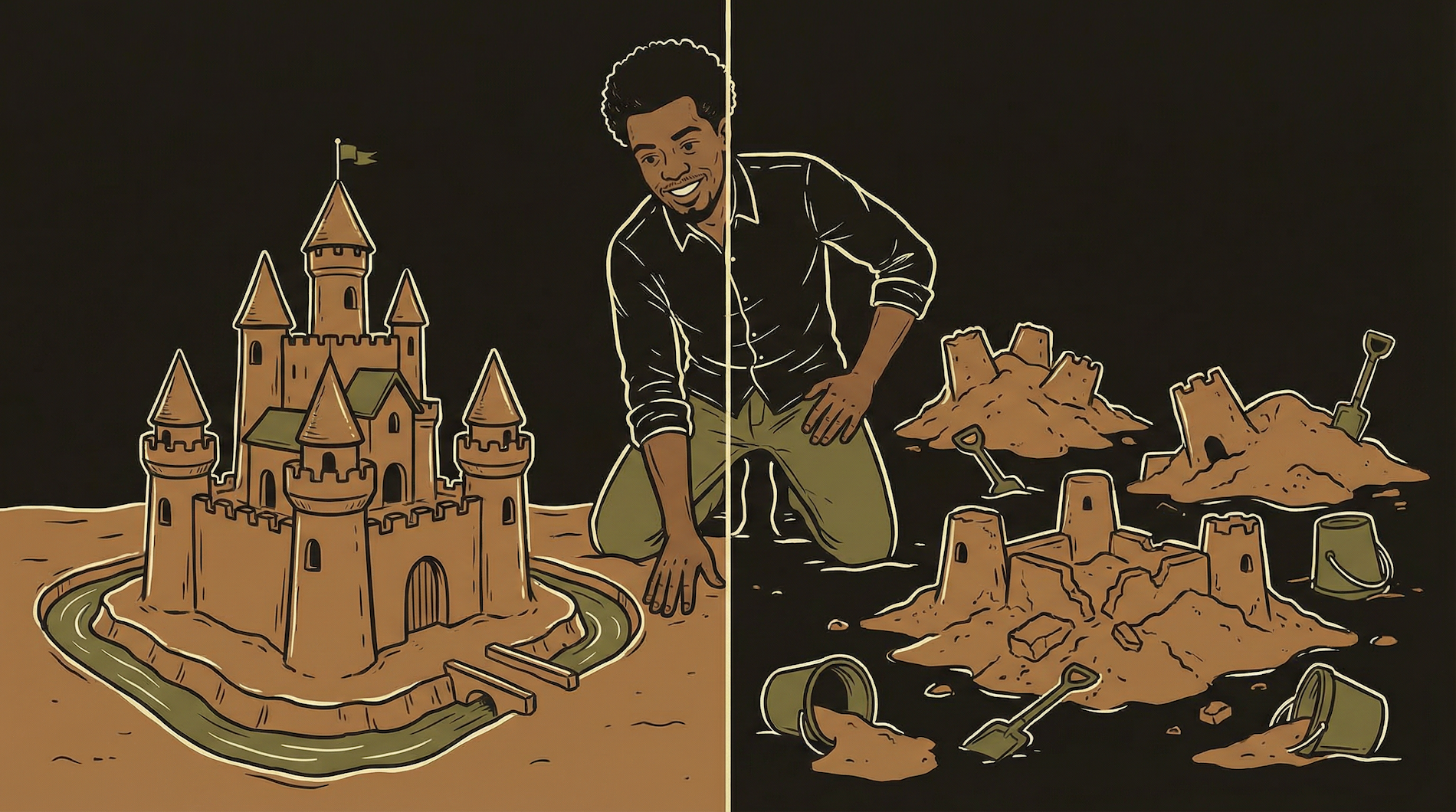
You would not test a new sauce recipe by serving it to a full dining room. You would try it in the back kitchen first. Same equipment, same ingredients — but the food goes in the trash, not to customers. Your sandbox is the back kitchen. Break things freely. No customer will ever taste it.
Two Versions of Everything
The entire philosophy in one sentence: never change production directly.
Production
The live version your real users see and pay for. The dining room. Everything here must work. You never experiment in production. You never "just quickly" change something in production. Every change arrives here after being tested somewhere else first.
Sandbox (Staging)
A separate copy that exists purely for testing. The test kitchen. Same tools, same structure, different data. Break things here freely — no user will ever see it. When it works in sandbox, promote the exact same change to production.
This is not optional. This is not "best practice for big teams." This is survival infrastructure for a solo builder. When you are the only person working on a product that real people use, you are one bad deploy away from breaking everything — and there is nobody else to fix it while you figure out what went wrong.
A sandbox gives you a safe space to make mistakes. And you will make mistakes. That is not a criticism — it is a fact of building software. The question is whether those mistakes happen where users see them or where only you do.

What Needs a Sandbox Copy
Not everything needs duplication. Here is what does — and what does not.
Backend Functions
Every backend function gets a sandbox version. Your auth handler, payment webhook, core product logic — each one has a production copy and a sandbox copy. The sandbox versions talk to test databases and use test API keys. When the sandbox version works, you deploy the identical code to production.
Database
Your sandbox functions should point to a separate database — or at minimum, a separate schema or set of test tables. You do not want sandbox testing to accidentally modify real user data. Most database providers let you create a second project on their free tier specifically for testing.
API Keys
Sandbox uses test keys. Production uses live keys. Every payment processor, every AI provider, every email service gives you both. Stripe test keys process fake payments. Stripe live keys charge real credit cards. Mixing these up is how you accidentally charge a test user real money.
Does NOT Need a Sandbox
Your marketing site. Static pages with no backend logic can be edited and published directly — there is no database to corrupt and no payment flow to break. Your design system docs. Internal reference material that does not affect users. Content that does not touch code. Blog posts, help articles, marketing copy — edit and publish directly.
Always Needs a Sandbox
Anything that touches the database. Queries, migrations, schema changes. Anything that touches payments. Checkout flows, webhook handlers, subscription logic. Anything that touches authentication. Login, signup, token management. Anything that touches external APIs. Third-party integrations where a bad request could have consequences.
The Promotion Workflow — Sandbox to Production
Build → test → verify → promote. Never skip steps. Never "just quickly" push to prod.
The key word in step 3 is identical. You do not make changes during promotion. You do not "just tweak one thing" when deploying to production. The code that goes to production is the exact same code that passed testing in sandbox. If you need to change something, go back to sandbox, make the change there, test it there, and then promote the updated version.
The moment you start making changes during promotion — "I will just fix this one thing while I am deploying" — you have defeated the entire purpose of having a sandbox. The sandbox tested version A. You deployed version A-plus-a-quick-fix. That quick fix was never tested. That is the one that breaks.
The Pre-Promotion Checklist
Run through this every time. Takes 60 seconds. Prevents the worst disasters.
1. ENVIRONMENT CHECK
[ ] Am I deploying to the correct environment? (prod, not sandbox?)
[ ] Are the environment variables set for PRODUCTION?
[ ] Am I using LIVE API keys, not test keys?
[ ] Does the function point to the PRODUCTION database?

2. CODE CHECK
[ ] Is this the EXACT code that passed sandbox testing?
[ ] No "quick tweaks" added since the sandbox test?
[ ] No console.log statements left from debugging?
[ ] No hardcoded test values? (test emails, fake IDs)

3. ROLLBACK PLAN
[ ] Do I know how to revert to the previous version?
[ ] Is the previous version saved and accessible?
[ ] Is monitoring active so I know if something breaks?

4. TIMING
[ ] Am I deploying during low-traffic hours?
[ ] Will I be available for 30 min after deploy to monitor?
[ ] This is NOT a Friday at 5pm deploy?
That last item is not a joke. Never deploy on a Friday evening. If something breaks, you either spend your weekend fixing it or your users spend the weekend suffering. Deploy Monday through Thursday, during hours when you will be at your computer for at least 30 minutes after. The "Friday deploy" is a rite of passage that every developer goes through exactly once before learning why it is a terrible idea.
Naming Conventions — Make It Impossible to Confuse Environments
If you can accidentally deploy to the wrong environment, you eventually will.
| Component | Production Name | Sandbox Name | Why It Matters |
|---|---|---|---|
| Backend functions | auth-handler | auth-handler-sandbox | The -sandbox suffix makes it visually obvious which version you are editing |
| Database project | myapp-production | myapp-sandbox | Separate projects prevent accidental queries against live data |
| Stripe keys | sk_live_xxx | sk_test_xxx | Stripe provides these automatically. Live = real charges. Test = fake charges. |
| Webhook URLs | myapp.com/webhook | myapp.com/webhook-sandbox | Payment processor sends events to the correct handler version |
| Git branches | main | dev or staging | Code changes happen on dev branch, merge to main only after testing |
The naming convention is not cosmetic. It is a safety mechanism. When you are deploying at 11pm because something needs to ship, and you are tired, and you are clicking through dashboards quickly — the -sandbox suffix is the thing that prevents you from deploying to production by accident. Make the names different enough that even a tired, rushed version of you cannot confuse them.
Environment Variables — The Same Code, Different Configs
Your sandbox and production run the same code. The only difference is which API keys and database URLs they use.
STRIPE_KEY=sk_live_abc123...
DATABASE_URL=postgresql://prod-db/myapp
AI_API_KEY=sk-ant-live-abc...
DISCORD_WEBHOOK=https://discord.com/api/.../critical
ENVIRONMENT=productionSTRIPE_KEY=sk_test_xyz789...
DATABASE_URL=postgresql://sandbox-db/myapp
AI_API_KEY=sk-ant-test-xyz...
DISCORD_WEBHOOK=https://discord.com/api/.../sandbox
ENVIRONMENT=sandboxThe code is identical. The config is different. This is the entire mechanism that makes sandbox-first work. Your function reads process.env.STRIPE_KEY — it does not know or care whether that key is live or test. It does its job either way. The environment determines whether real money moves or fake money moves.
Every hosting platform (Vercel, Netlify, your database provider) has a dashboard where you set environment variables separately for each environment. Set them once, correctly, and never think about them again — until you add a new service and need to add new keys to both environments.
The ENVIRONMENT variable is a useful safety check. Your code can read it and behave differently: if (environment === 'production') sendAlert('critical', ...). In sandbox, errors log to the console. In production, errors wake you up at 2am. Same code, different behavior based on environment.
Database Sandboxing — Protecting Real User Data
The most dangerous sandbox mistake: pointing your test code at the production database.
Your sandbox functions must point to a separate database. This is non-negotiable. A sandbox function that reads from the production database is just production with a different name. A sandbox function that writes to the production database is a disaster waiting to happen — one bad query and you have modified real user data.
Most database providers let you create a second project on their free tier. Create one called myapp-sandbox. Mirror the same tables and schema as production. Populate it with fake test data — a few test users, test subscriptions, test content. This test data should be realistic enough to catch real bugs but obviously fake so you never confuse it with real data. Users named "Test User 1" with email "test1@example.com."
Schema changes are the exception. When you change the database structure — adding a column, creating a table, modifying a constraint — you make the change in sandbox first, test it, then make the identical change in production. The data is different, but the structure must stay in sync. If your sandbox has a column that production does not, your code will work in sandbox and break in production. This is the most common "it worked in testing" failure.
You add a new column to the sandbox database. Your sandbox function reads from that column. Everything works. You deploy the function to production. Production does not have that column. The function crashes. Users see an error. You scramble to add the column to production at 2am. The fix: always apply schema changes to production before deploying the code that depends on them. Column first, code second. Never the reverse.
Feature Flags — Deploy Code Without Activating It
Ship the code to production but keep it hidden behind a switch you control.
Sometimes you need to deploy code to production that is not ready for users to see. Maybe the feature is 80% done. Maybe you are waiting on a design review. Maybe you want to test it with one specific user before rolling it out to everyone. Feature flags solve this.
A feature flag is a simple on/off switch — usually a row in your database or an environment variable — that your code checks before showing a feature. if (featureFlags.newPricingPage) { showNewPage() } else { showOldPage() }. The code is deployed. It lives in production. But the flag is OFF, so users never see it. When you are ready, you flip the flag to ON — no deployment needed.
// In your database: feature_flags table
// | flag_name         | enabled | notes                  |
// | new_pricing_page  | false   | waiting on design      |
// | skill_tracker     | false   | testing with 3 users   |
// | annual_plans      | true    | launched April 1       |

// In your code:
const flags = await database.from('feature_flags').select('*');

if (flags.find(f => f.flag_name === 'new_pricing_page')?.enabled) {
  // Show the new page — only when flag is ON
  return renderNewPricingPage();
} else {
  return renderCurrentPricingPage();
}

// To launch: UPDATE feature_flags SET enabled = true
//            WHERE flag_name = 'new_pricing_page';
// No deployment. No code change. Instant.
Feature flags also give you an instant rollback mechanism. If users report problems with the new pricing page, flip the flag back to OFF. Users immediately see the old page. No emergency deployment. No panic. You investigate the problem calmly, fix it in sandbox, and flip the flag back ON when the fix is ready.
The Time I Skipped It
Three days. That is how long it took to clean up after I saved ten minutes by skipping sandbox testing. A "quick fix" directly in production broke the payment webhook. The function deployed without errors. It ran without errors. But it was processing incoming payment events incorrectly — updating the wrong database column due to a typo in a field name.
Real users were paying but not getting access. The webhook returned a 200 status code (which told the payment processor "I handled it"), but it was not actually granting access to the paid features. This is exactly the kind of silent failure Chapter 14 warns about — everything looks green, but the system is not doing its job.
By the time I noticed — a user emailed saying they paid but could not access anything — three days of subscriptions had processed incorrectly. I spent the entire next day manually reconciling payments, fixing access, and sending apology emails. Ten minutes saved. Three days lost. Plus the trust damage with early users.
That was the last time I ever skipped the sandbox.
The urge to skip the sandbox is strongest when the change seems small. "It is just a text change." Those are the changes that break things — because your guard is down.
When Sandbox Feels Like Overkill (and Why It Is Not)
You will have days where the sandbox workflow feels ridiculous. You changed one line. You know it works. You could deploy to production in 30 seconds and move on with your life. Instead, you are deploying to sandbox, testing, verifying, promoting, testing again. It feels like bureaucracy invented by someone who has never shipped under pressure.
Here is why you do it anyway: you are not protecting against the change you made. You are protecting against the change you think you made versus the change you actually made. The difference between those two things is where bugs live. A typo in a variable name. A missing comma. A function that references the old column name because you forgot to update it when you renamed the column last week. These are invisible in a code review. They are obvious in a sandbox test.
The sandbox workflow takes an extra 5-10 minutes per deploy. The cleanup from a production bug takes 3-8 hours minimum. The math is not complicated. You are trading 10 minutes of friction for insurance against hours of emergency response. Every single time, it is worth it.
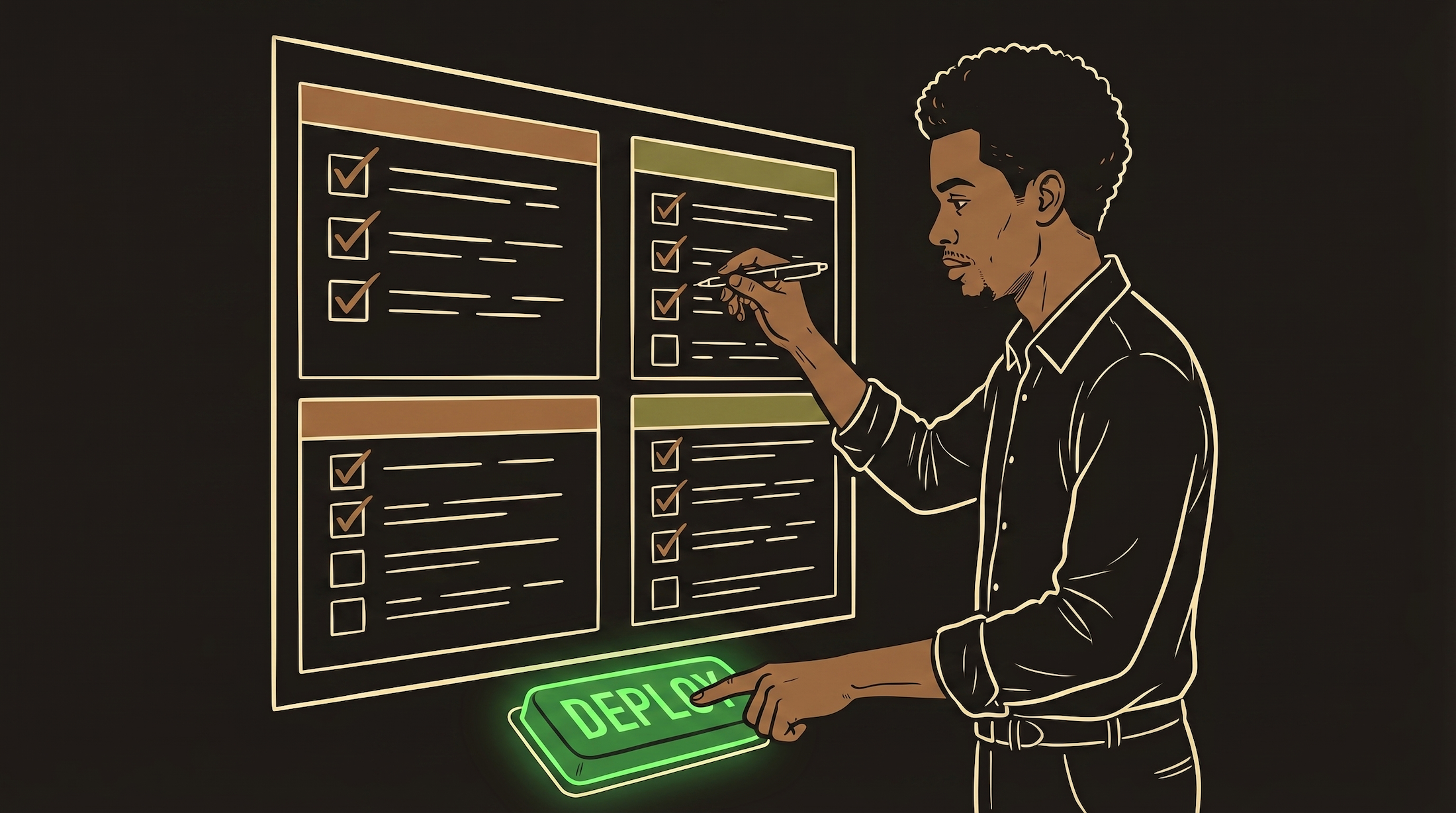
Skipping sandbox feels like saving time. It is borrowing time at a very high interest rate. The payback always comes. And it always comes at the worst possible moment — when you are tired, when users are active, when you least expect it.