Documentation
That Compounds
Writing down what you have built and how it works is the single highest-leverage thing a solo builder can do. Every other chapter in this guide depends on this one. Without docs, you rebuild from memory every time.
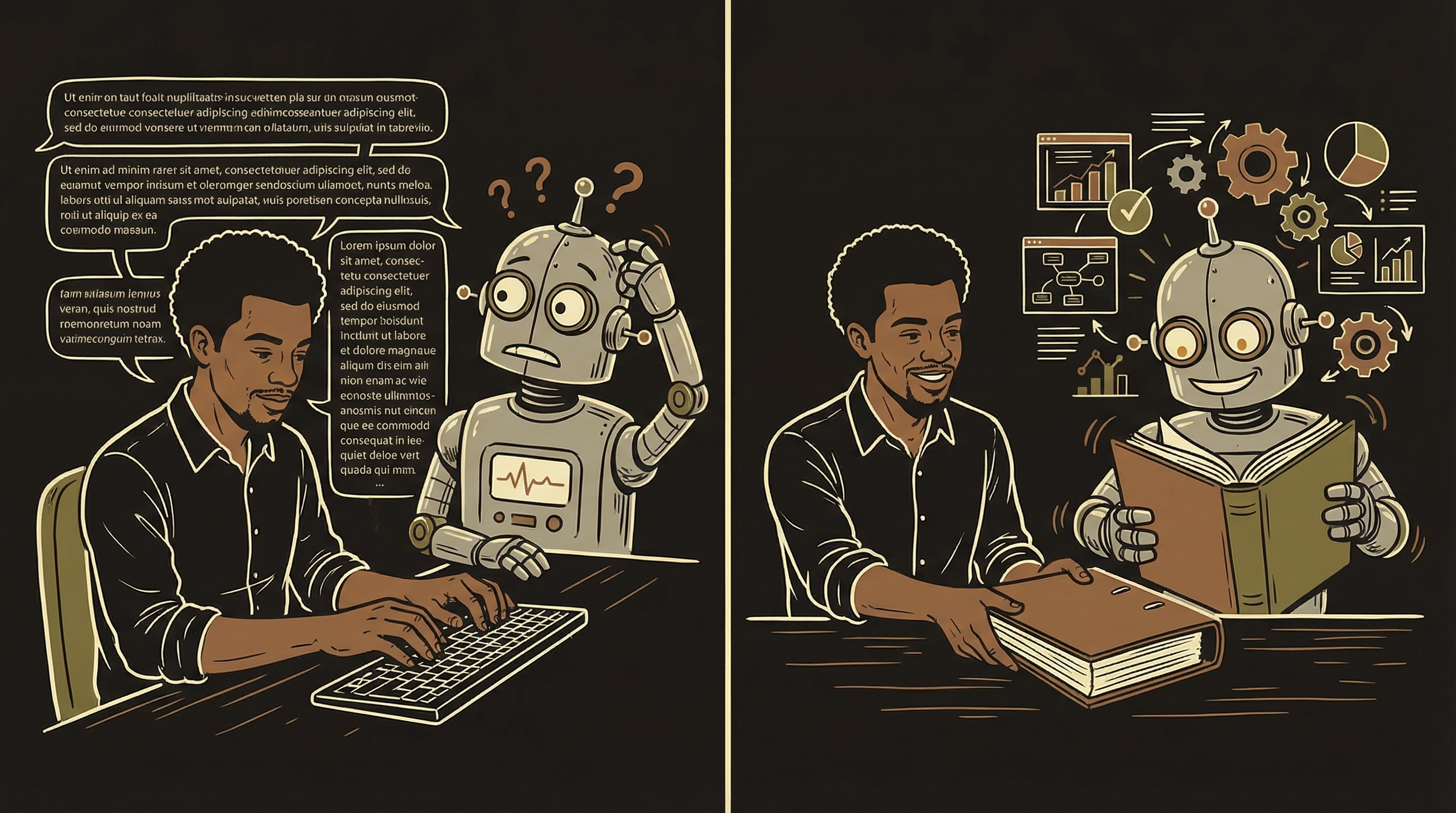
Documentation is your recipe book plus operations manual. Without it, every time you open a new AI chat, someone has to explain everything from scratch. "How do we make the house sauce? What is the closing checklist? Where do we store the wine?" Write it down once, reference it forever.
Why This Matters Even More With AI
Your documentation is the institutional knowledge of your one-person company. It is the employee handbook, training manual, and operations guide rolled into one.
When you start an AI conversation with "here is my project documentation," the AI goes from intern to informed team member in seconds. Without it, even the smartest AI gives you generic advice that conflicts with decisions you already made.
Here is the thing nobody tells you: AI conversations are temporary. Documentation is permanent. A brilliant solution you worked out with AI in a 40-message conversation disappears the moment you close that chat. Unless you wrote it down.
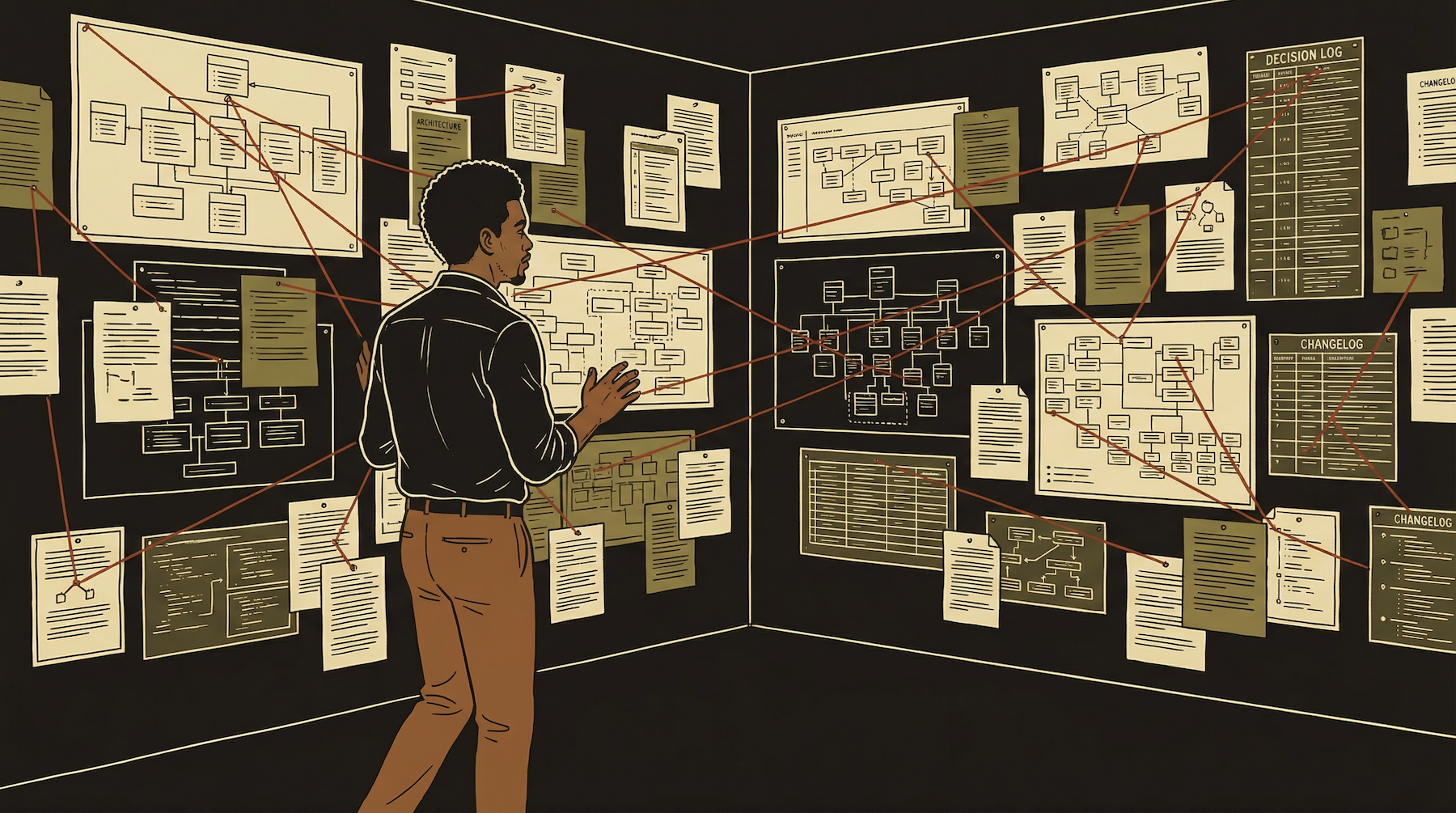
The Documentation System
Not one doc. A system of docs that work together. Start small and grow as your product grows.
A documentation system is a set of focused documents, each covering one area of your product, loadable individually per conversation.
Start with the Project Instruction File. Add others as your product grows.
Doc #1: The Project Instruction File
This is the "READ THIS FIRST" note. Write this on day one. Everything else can wait.
The Project Instruction File is the single most important document you will create. It answers the question every new AI conversation asks: "What is this project, what has been built, and what rules must be followed?"
Think of it as the orientation packet for a new employee. Except your new employee has amnesia every morning and needs to be re-oriented every single day. That is how AI works — every conversation starts from zero. This document is how you skip the first 20 minutes of context-setting.
# My App — Project Instructions

## What This Is
A subscription fitness app built with React Native (Expo),
PostgreSQL backend, Stripe + Apple IAP for payments.
Live on App Store (US). Google Play in progress.

## Tech Stack
Frontend:   React Native / Expo SDK 54
Backend:    PostgreSQL + serverless functions + auth provider
Payments:   Stripe (web) + Apple IAP (iOS)
Marketing:  Static site (Vercel / Netlify / similar)

## Key Rules (NEVER break these)
- Sandbox first. Never deploy directly to production.
- Do not modify auth functions without explicit approval.
- All prices in the pricing table, nowhere else.
- Brand colors: #F9F5F0, #A0694B, #8B9556, #D4AF37, #3D2B1F

## Current State
- Auth: working (email + social sign-in)
- Payments: Stripe webhooks live, Apple IAP in review
- Core feature: 80% complete, missing error handling
- Analytics: not yet implemented

## File Structure
src/screens/     → UI screens
src/components/  → Reusable components
src/utils/       → Helper functions
api/functions/   → Serverless backend functions

## Naming Conventions
- Components: PascalCase (UserProfile.tsx)
- Functions: camelCase (getUserProfile)
- Database: snake_case (user_profiles)
- Edge functions: kebab-case (payment-webhook)
This is not a polished document. It is a working reference. It does not need to be pretty. It needs to be accurate and current. When you change your tech stack, update this file. When you add a new rule, add it here. When a naming convention evolves, change it. An accurate ugly doc is infinitely more valuable than a beautiful outdated one.
Reference Docs — One Per Area
Each doc covers one part of your product. Load only the ones you need for each conversation.
Tech Infrastructure
Every service you use, how they connect, API keys and where they live (not the actual keys — the locations), hosting setup, deployment process. When something breaks at 2am, this doc tells you which service to check first and how to access it.
Database Schema
Every table, every column, every relationship. What each field means in plain English. Which columns are required. What values are valid. "The status column in subscriptions accepts: active, cancelled, past_due, trialing. Nothing else." This prevents the AI from inventing columns that do not exist.
Edge Functions / Backend
What each backend function does, what triggers it, what it expects as input, what it returns. "payment-webhook: receives Stripe webhook events, validates signature, updates subscriptions table, sends alert to Discord." Every function documented in one sentence each.
Brand & Design System
Colors (with hex codes), fonts, spacing rules, component patterns. "Primary buttons: brand brown background, white text, 8px border radius, 48px height." When AI builds UI, this doc ensures everything looks like it belongs to the same product.
Pricing & Business Logic
Plan names, prices, what each tier includes, billing logic, Apple vs web pricing differences. "Basic: $9.99/month, 100 sessions. Pro: $24.99/month, unlimited. Annual: $199/year, web-only to avoid Apple's cut." Prevents AI from inventing pricing that conflicts with your actual plans.
Mobile App Architecture
Screen names, navigation structure, which components live where, state management approach. "The Practice tab loads PracticeScreen.tsx which renders CharacterList component. Tapping a character navigates to ConversationScreen with character_id as a parameter." This is the map the AI needs to make changes without breaking navigation.
The Changelog — Your Product's Memory
One line per change. Date, what, why. Invaluable when things break.
# Changelog

## 2026-04-08
- Split payment webhook into 3 edge functions (was timing out)
- Added Apple IAP region detection (US = IAP + Stripe link-out)
- Fixed: subscription status not updating on renewal

## 2026-04-05
- Migrated auth from legacy provider to new auth system
- Updated all backend functions to use new auth tokens
- NOTE: ~10 legacy users still need account migration

## 2026-04-01
- Added annual pricing plans (web-exclusive, no Apple cut)
- Updated Terms of Service and Privacy Policy
- Changed beta language to "Early Access" per legal review

## 2026-03-28
- Deployed new feature to staging (feature flag OFF)
- Generated seed content for all supported categories
- Fixed data quality issues in content database
When something breaks on a Tuesday afternoon and you have no idea what changed, the changelog tells you. "We deployed three things on Monday. One of them touched the payment webhook. That is probably the issue." Without the changelog, you are guessing. With it, you are investigating.
The format is dead simple: date, what changed, why. One line per change. No paragraphs, no essays. If a change needs more explanation, it belongs in the relevant reference doc — the changelog is just the timeline of events.
How to Write Docs That Don't Rot
Most documentation fails not because it was never written — but because it was never updated.
Docs That Rot
"We use PostgreSQL 14 with the following extensions..." — written six months ago when you were on version 12. Nobody updated it when you upgraded. Now the AI references version 12 features and gets confused. Outdated docs are worse than no docs because they actively mislead.
Docs That Compound
Updated with every session. "We use PostgreSQL — see DATABASE.md for current schema." Short, links to the details, and the link destination stays current. Reference structure, link to details. Update the details when they change. The structure rarely changes.
The Five Rules of Docs That Survive
Write facts, not explanations. "Subscriptions table has 6 columns: user_id, plan_tier, status, stripe_customer_id, created_at, updated_at." Facts are easy to verify and update. Explanations go stale.
Keep one canonical location for each piece of information. If your database schema is documented in three places, they will disagree. Pick one place. Link everywhere else.
Date everything. "Last updated: April 8, 2026" at the top of every doc. When you open a doc and see "Last updated: January 2026," you know to verify before trusting it.
Use the update-with-every-session rule. At the end of every work session — 5 to 10 minutes maximum — update the docs that were affected by what you just built. This habit is more valuable than any tool you will ever buy.
Let AI write the first draft. After building a feature, tell the AI: "Summarize what we just built in the format of my existing documentation." The AI produces a draft. You review and correct it. This takes 3 minutes instead of 15. You are the editor, not the author.
Using AI to Write Your Docs (Meta, But Effective)
The AI that built the feature can document it. You just have to ask.
Three minutes. The feature is documented, the changelog is updated, and the next AI conversation that loads your docs will know this function exists, what it does, and what not to do with it. That three minutes just saved the next conversation 20 minutes of context-building and prevented it from accidentally building a duplicate function.
Project Knowledge — Docs That Auto-Load
The most powerful use of your documentation: making AI conversations start at 80% context automatically.
Most AI platforms now support some form of persistent project knowledge — documents that automatically load into every conversation within a project. Instead of manually pasting your docs at the start of each chat, you upload them once and they are always available.
When every conversation starts knowing your tech stack, schema, pricing, and naming conventions, you skip straight to productive work.
Take your reference docs, upload them to your AI platform's project knowledge feature, and organize by area. Payment conversations load payment docs. UI conversations load brand docs.
This is why multiple focused docs beat one giant README — you load only what each conversation needs.
The Five Documentation Mistakes
Every solo builder makes at least three of these. Recognizing them is how you avoid them.
One Giant File
A 5,000-word README that covers everything. Too long for any conversation to use effectively. The AI reads the first third and ignores the rest. Split into focused docs — one per area — so you can load exactly what each conversation needs.
Documenting How, Not What
"We chose PostgreSQL because it was scalable and had good tooling..." — nobody needs the reasoning in a reference doc. Just state: "Backend: PostgreSQL." Save the reasoning for a decision log if you want one. Reference docs are for facts.
Writing Once, Never Updating
The most common failure. Docs written in month 1, never touched again. By month 3, they describe a product that no longer exists. Outdated docs are worse than no docs because they actively mislead. Update with every session.
Documenting Plans, Not Reality
"We will add real-time messaging in Q2" — this belongs in a roadmap, not in your reference docs. Reference docs describe what IS, not what might be. Future plans that never ship become ghost features that confuse every AI conversation that reads them.
Perfecting Before Publishing
Spending 3 hours making a doc beautiful when a 20-minute rough draft would serve the same purpose. Your docs are internal tools, not marketing material. A correct rough draft used today beats a polished doc published next week.
The best documentation system is the one you actually maintain. Perfect formatting with stale content is worthless. Rough formatting with accurate content is priceless.
The Compound Effect — Why This Gets Better Over Time
Compound interest on your own knowledge. The return improves every month.
Feels Like Overhead
30 minutes writing docs when you could be building. It feels slow. Unnecessary. You are spending more time documenting than you are saving. This is normal. You are investing, not wasting. The returns come later and they come fast.
You Stop Re-Explaining
New AI conversations start productive instead of spending 20 minutes on context. You paste a doc link and the conversation jumps straight to the problem. You are now saving more time than you spend. The crossover point has passed.
Rich Knowledge Base
Every conversation starts at 80% context instead of zero. You hand off tasks with a brief and a doc link. New features build on documented foundations instead of guesswork. You are moving 3x faster than month 1 — and the gap keeps widening.
The End-of-Session Checklist
Five to ten minutes. Every session. Non-negotiable.
Update the Changelog
What did you build or change? One line per item. Date, what, why. Takes 60 seconds.
Update Affected Docs
Changed the database? Update schema doc. Added an edge function? Update backend doc. Changed pricing? Update business doc. Only the docs that were affected by today's work.
Check "Last Updated" Dates
If any doc you touched today has a stale date, update it. This is your canary — if dates are old, the content is probably old too.
Ask: "What Would I Need Tomorrow?"
If you came back to this project after a week off, what would you need to know? Write that down. Your future self will thank you. So will every AI conversation you start next week.

Five to ten minutes at the end of every session updating docs. This one habit — consistently applied — saves more time, prevents more bugs, and creates more compounding value than any tool you will ever buy.