Vibe Coding 101
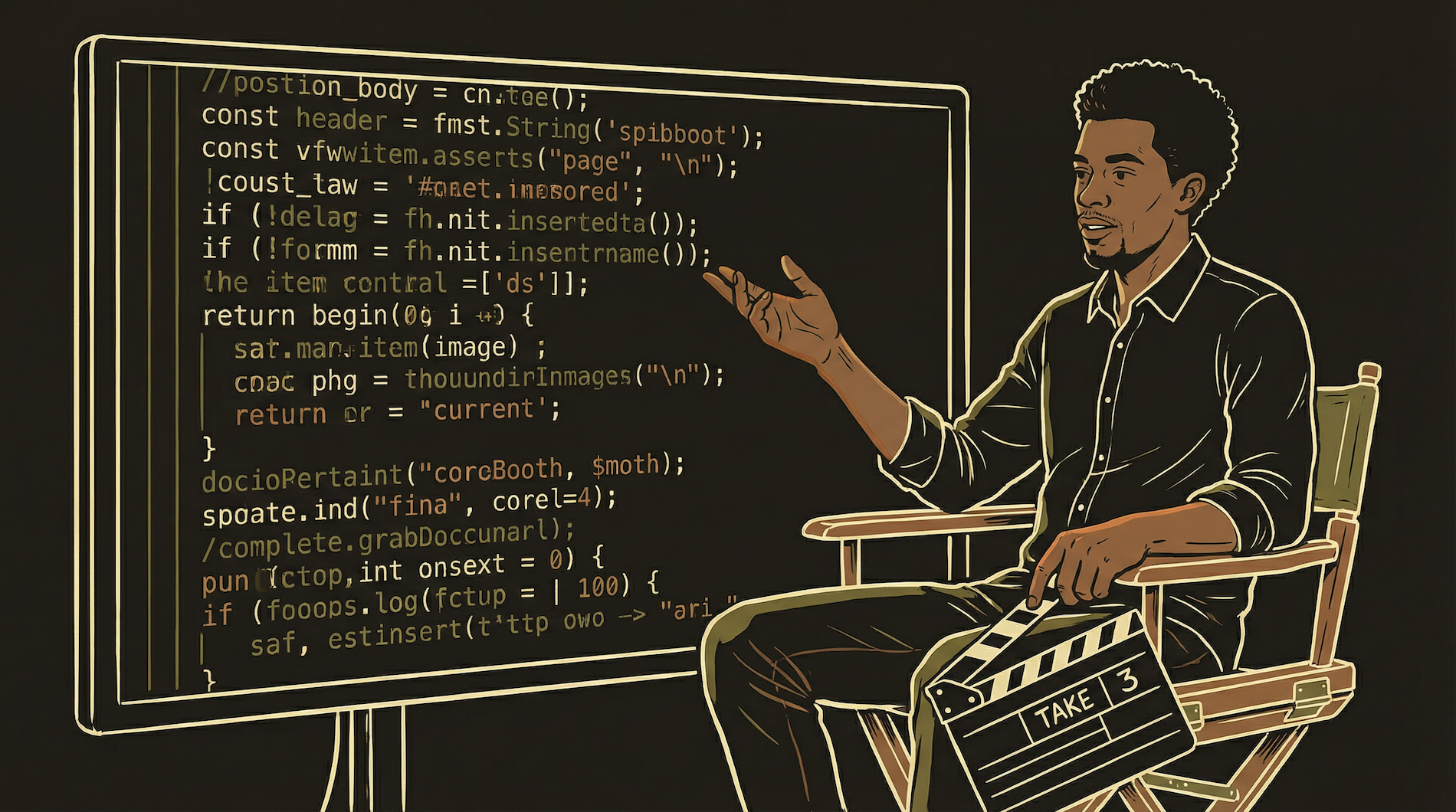
You don't write code. You direct it. Think of yourself as a film director — you need to know what a good scene looks like, but you don't need to operate the camera yourself.

Vibe coding is being the restaurant owner who doesn't cook. You need to know what great food tastes like. You describe dishes clearly — "a creamy tomato soup, not too acidic, with fresh basil." And you need to send a plate back when it's wrong. But you don't need to know the difference between julienne and brunoise.
What Vibe Coding Actually Is
You describe what you want your software to do. AI writes the code. You review the result, give feedback, and direct the next iteration. Repeat until it's right.
This is not "no-code." No-code means dragging blocks in a visual editor with severe limits. Vibe coding produces real, production-quality code. The difference is who typed it.
You're a film director. You don't operate the camera, adjust the lighting, or act in the scenes. But you know what a good shot looks like. You tell the cinematographer exactly what you want — "tighter on the face, warmer light, slower pan." When the result isn't right, you recognize it and explain what to change. The more precisely you direct, the fewer takes you need.
The Minimum You Need to Start
Three skills. None require a CS degree. All develop naturally with practice.
Spot Obvious Problems
Like reading a recipe and catching "add 10 cups of salt." You don't need to understand every line of code — just notice when something seems off. A function called "deleteAllUsers" when you asked to update one user is a red flag you can spot without any programming knowledge. This instinct develops within weeks.
Understand File Structure
Your project is folders and files — like documents on your computer. "Login screen = this folder. Payment logic = that folder. Database setup = that file." If you can organize documents into folders on your desktop, you can understand a code project's structure. When the AI puts code in the wrong file, you will notice.
Describe What You Want
The hardest and most important skill — and it has nothing to do with technology. "Button: brand blue #3B82F6, 48px tall, rounded corners 8px, white text 'Get Started', full width on mobile." The more specific your description, the fewer rounds of revision. Precision is the entire game.
Vague vs. Precise
The difference between 5 rounds of "no, not like that" and landing it first try.
Prompt Engineering for Code
How you ask determines what you get. These patterns work every time.
The quality of what the AI produces depends entirely on the quality of what you tell it. Vague prompt = vague code. Precise prompt = precise code. This is the most learnable skill in vibe coding.
Pattern 1: State What Exists Before Asking for Changes
The AI does not know your project unless you tell it. Before asking it to build something, describe what already exists. "I have a React Native app with PostgreSQL for the database. The subscriptions table has columns: user_id, plan_tier, status, stripe_customer_id, expires_at. I use Stripe for payments on web and Apple IAP on iOS."
Now when you say "build the subscription renewal check," the AI knows exactly what it's working with instead of guessing at your stack, your schema, and your payment processor.
Pattern 2: Specify the Negative — What NOT to Do
This is the pattern most people miss. Telling the AI what to avoid is as important as telling it what to do. Without constraints, it will "improve" things you did not ask it to touch.
Pattern 3: The Iteration Prompt
When the first attempt is close but not right, your follow-up prompt matters as much as the original. Do not repeat the entire brief — reference the previous output and state only what needs to change.
// Round 1: Initial prompt
Build a pricing card component with three tiers: Free, Tourist,
Local. Show price, 4 features each, and a CTA button. Use my
brand colors: cream #F9F5F0, brown #A0694B, olive #8B9556.

// Round 2: Iteration (specific, minimal)
The Tourist card should be visually elevated — larger, slight
shadow, gold #D4AF37 border. Move the price above the feature
list. Keep everything else exactly as-is.

// Round 3: Final polish
Add "Most Popular" badge to the Tourist card, top-right corner,
gold background, dark text. Reduce padding between feature
items from 16px to 10px. Do not change anything else.

// Three rounds. Done. The key: each round changes ONE thing.
Pattern 4: One Task Per Message
"Build the login, add auth, set up tables, and create API routes" in one message produces chaos. The AI loses track of what it finished versus skipped. Split complex work into sequential messages. Verify each step before moving to the next.
The quality of the code is a direct reflection of the quality of the prompt. Ambiguity in, ambiguity out. Precision in, precision out.
The "Explain What You Did" Trick
Your single best quality check. Works even if you don't read code.
After the AI writes code, say: "Explain what you just did, line by line, in plain language."
If it explains clearly and every step makes logical sense — "this line checks if the user is logged in, this line gets their subscription from the database, this line checks if the subscription has expired" — the code is probably solid.
If the explanation gets vague — "this part handles the configuration" without saying what configuration, or "this manages the state appropriately" without explaining which state — the code is probably wrong in that section. The AI is doing the verbal equivalent of mumbling past the part it is not sure about.
This works because explaining requires deeper understanding than generating. The AI can produce plausible code with subtle bugs. But when forced to narrate each line, bugs surface. "This line sets the user's subscription to active" is clear. "This line manages the relevant subscription state" is a red flag — too abstract to be true. You do not need to read the code. Listen for the shift from specific to vague. That shift is where the bug lives.
Reading Error Messages Without Knowing Code
Errors look terrifying. They are actually the most helpful text your computer produces.
Error messages look like technical gibberish. But they follow a consistent pattern, and you can extract useful information without understanding the code.
ERROR: relation "subscriptions" does not exist
 at processQuery (src/handlers/payment-webhook.ts:47:12)
 at handleCheckout (src/handlers/payment-webhook.ts:23:5)
 at async Object.handler (src/index.ts:15:3)

// HOW TO READ THIS — three parts:
//
// 1. THE WHAT — first line tells you what went wrong:
//  "relation 'subscriptions' does not exist"
//  Translation: it tried to find a database table called
//  "subscriptions" and it doesn't exist.
//
// 2. THE WHERE — the file and line number:
//  "payment-webhook.ts:47" = file payment-webhook.ts, line 47
//  This is where the problem happened.
//
// 3. THE PATH — the call stack shows the chain:
//  index.ts called handleCheckout which called processQuery
//  which is where it broke. Read bottom to top.
You do not need to fix the error yourself. You need to copy the entire error message and paste it into your AI chat: "I got this error. What does it mean and how do I fix it?" The AI is excellent at diagnosing error messages — better than most junior developers. Your job is to deliver the error message accurately. Do not summarize it. Do not paraphrase. Copy the entire thing. The details the AI needs are often in the parts you think are irrelevant.
Common error patterns you'll learn to recognize:
"does not exist" — something is missing. A table, a file, a function, a column. Usually a typo or a step that was skipped.
"is not defined" — the code references something that was never created. Common when the AI uses a variable name in one place and a different spelling elsewhere.
"permission denied" — access problem. Wrong API key, missing authentication, or a security rule blocking the request.
"timeout" — something took too long. The server, the API, or the database was too slow or unreachable.
"unexpected token" — syntax error. Like a missing comma in a recipe — the computer cannot parse the instructions.
The Iteration Loop — When to Push and When to Restart
Most features take 2-4 rounds. More than 5 means something is fundamentally wrong.
Bad Feedback (Creates More Work)
"This doesn't look right."
"The spacing is off."
"Can you make it better?"
"I don't like the layout."
These force the AI to guess what you mean. It guesses wrong. You go back and forth. Both of you waste time. The AI will make random changes hoping to stumble onto what you want.
Good Feedback (Closes the Gap)
"Increase padding between cards from 16px to 24px."
"The error message should say 'Invalid email' not 'Error 422'."
"Move the CTA button above the fold."
"The text color is too light — change from 40% opacity to 70%."
Specific, measurable, one change per statement. The AI executes exactly what you describe. Done in one round.
The 5-Round Rule
If you have gone back and forth more than 5 times on the same piece of work and it is still not right, stop iterating. Something is fundamentally wrong with the approach, not the details. Start a new conversation, load your documentation, and describe the problem from scratch. The AI has accumulated too many conflicting instructions and is now trying to satisfy all of them simultaneously, which satisfies none of them.
Starting fresh is not failure — it is recognizing accumulated contradictions. A clean conversation usually lands in 1-2 rounds what the old one could not fix in 5.
Debugging Without Code Knowledge
You don't need to find the bug. You need to describe the symptoms accurately.
Debugging is detective work. You do not need to understand the code to be a good detective. You need to observe carefully and report precisely.
Step 1: Expected? "Tapping Subscribe should go to payment page."
Step 2: Actual? "Button does nothing. No error. No spinner. Screen stays the same."
Step 3: What changed? "Worked yesterday. Added a loading spinner to login today. Broken since."
Step 4: Error message? Copy the entire thing. Do not summarize or paraphrase.
These four observations — expected behavior, actual behavior, what changed, and the error message — give the AI everything it needs to diagnose the problem. Most developers debug this way too. The code knowledge helps with step 5 (fixing it), but steps 1-4 are pure observation that anyone can do.
The most valuable debugging skill: noticing when the AI's fix addressed a different problem than the one you reported. You say "the button doesn't work." The AI changes the button's color. Still broken — the issue was the click handler, not styling. Saying "the visual is fine, the button does not respond to taps at all" separates productive vibe coders from frustrated ones.
When AI Gets It Wrong
Confidently wrong ~15-20% of the time. Knowing the patterns saves you days.
Invents Things That Don't Exist
"Just use the .autoResize() method" — except there is no autoResize method. The AI presents invented APIs with complete confidence. If something sounds too convenient, paste the method name into Google. Zero results = fake. This happens more with newer or niche libraries.
Adds Complexity Instead of Fixing
When debugging, AI sometimes "fixes" symptoms by adding workaround layers instead of finding the root cause. A login bug gets "fixed" with a retry mechanism. The login is still broken — it just retries the broken thing three times. If a fix adds more code than the original feature, push back hard and ask: "What is the actual root cause?"
Contradicts Its Own Advice
In long conversations, AI recommends approach A then later suggests approach B without acknowledging the contradiction. By message 30-40, it has effectively forgotten what it told you in message 5. This is why documentation (Chapter 6) matters — your written decisions outlast conversational memory. When you notice a contradiction, start a new conversation with your docs loaded.
Assumes Your Project Structure
AI will assume your database has columns that don't exist, that you use libraries you don't have installed, or that your project follows conventions it invented. Every time the AI writes code that references your database, your file structure, or your configuration, verify its assumptions match reality. The most dangerous bugs come from correct code pointing at the wrong things.
The Mental Model Shift
Stop thinking "I need to learn to code." Start thinking "I need to learn to direct."
Most people who want to build software think the first step is learning a programming language. They sign up for a course, spend weeks on syntax, build a calculator app, and then realize they still cannot build the product they actually wanted. The gap between "I know JavaScript basics" and "I can build and ship a real product" is enormous.
Vibe coding skips that gap entirely. You do not need to learn the language. You need to learn how to communicate what you want in enough detail that someone (the AI) who does know the language can build it for you. This is a fundamentally different skill set — closer to product management than software engineering.
The skills you need are: clear written communication, attention to detail, visual awareness (does this look right?), logical thinking (does this flow make sense?), and the willingness to push back when something feels wrong. These are human skills that transfer from any profession. A project manager, a lawyer, a restaurant operator, a teacher — all of these people already have the core abilities that vibe coding requires.
After six months, something interesting happens: you start understanding code without studying it. You reviewed hundreds of changes and asked "explain what you did" each time. You absorbed patterns through exposure — recognizing what if (user.status === 'active') means the same way you learn vocabulary through conversation instead of flashcards.
After six months of directing, you understand your product more deeply than if you'd typed every line yourself — because you reviewed every line, questioned every decision, and directed every change.
The Learning Curve
Month 1 is hard. By month 6, you're building things you thought impossible.
Disorientation
Everything breaks. Error messages terrify you. You wonder if learning to code yourself would be faster (it would not). You spend 3 hours on something that should take 30 minutes. This is normal. Push through. Every vibe coder felt this. It passes.
Pattern Recognition
You recognize error types before reading the full message. You catch AI mistakes faster. Your prompts get specific enough to land in 1-2 rounds. Features that would have taken weeks as a beginner now take hours. You start to feel dangerous.
Compound Returns
You are building things you did not think were possible for one person. Your documentation, your prompt patterns, and your instinct for quality all compound. The directing skill is now a genuine competitive advantage — and it only gets stronger with every project.

Over time you develop a feel for when AI output is right and when something's off — the same way a director watches a take and just knows the actor is faking it. Trust that instinct. If code makes you uneasy, don't ship it. Ask the AI to explain it. Your gut is pattern recognition working faster than your conscious mind.