Automation &
Monitoring
The moment your product is live, things can break at any time. You need systems that tell you when something goes wrong before your users do — and analytics that tell you what your users are actually doing.
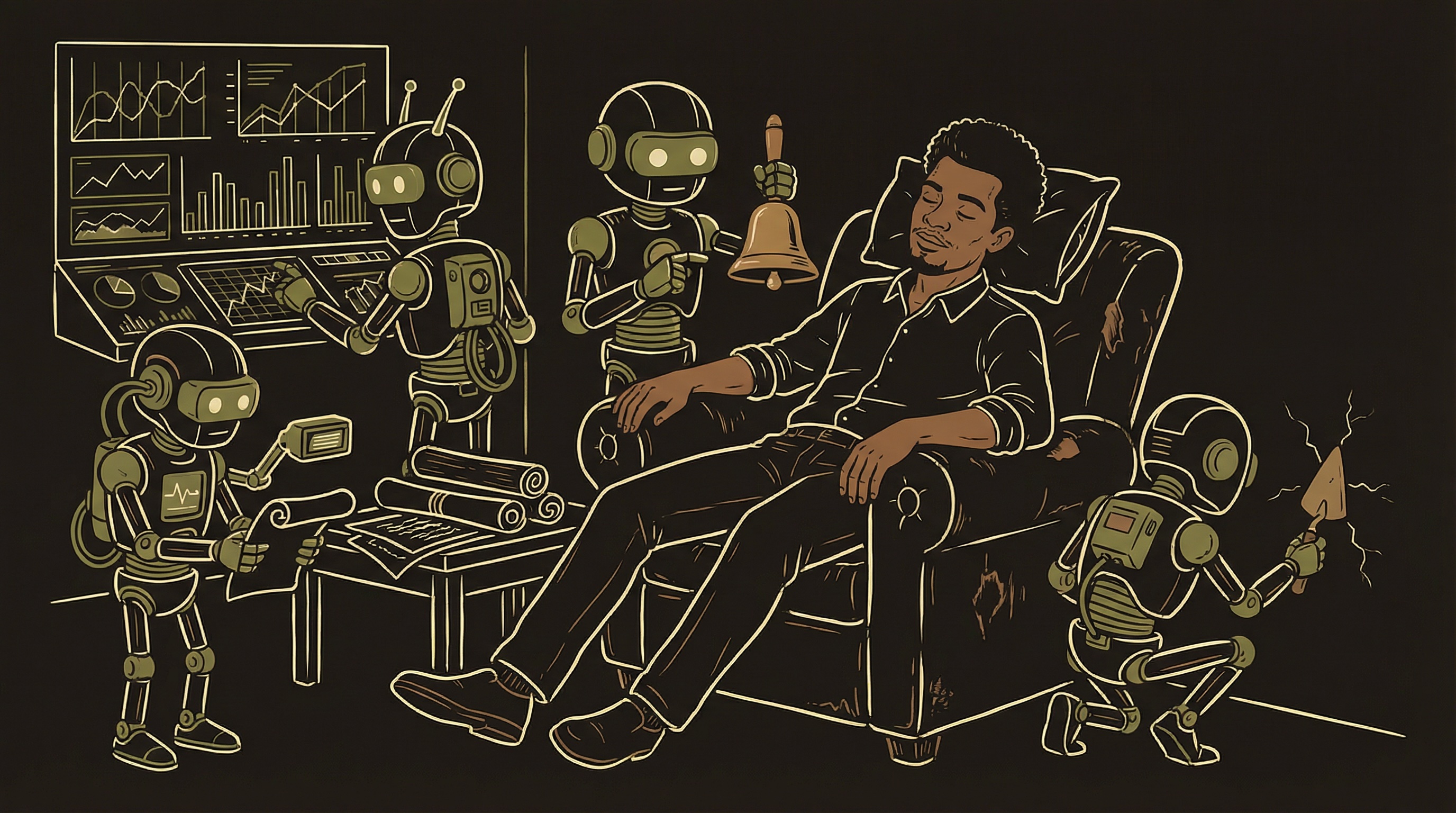
Monitoring is a building security system, not a single smoke detector. The critical alerts channel is the break-in alarm — it wakes you up. The daily digest is the security guard's morning walkthrough. The payment channel is the lobby camera — not urgent, but you want the footage. And product analytics is the occupancy counter — how many people are in the building and where they go.
Monitoring is not a nice-to-have you add after launch. It is infrastructure you build before launch. The reason is simple: your first critical bug will happen when you are not looking at your computer. It will happen at 2am, or on a Saturday, or during the one hour you decided to take a walk. Without monitoring, you find out when a user emails you — sometimes days later. With monitoring, your phone buzzes with the exact error, the exact function, and the exact user affected.
The entire monitoring setup takes about half a day. The analytics setup takes another half day. A free messaging app like Discord or Slack is all you need for the alert system. The analytics tools have generous free tiers. There is no reason not to do this from day one — and every reason to regret not doing it after your first undetected outage.
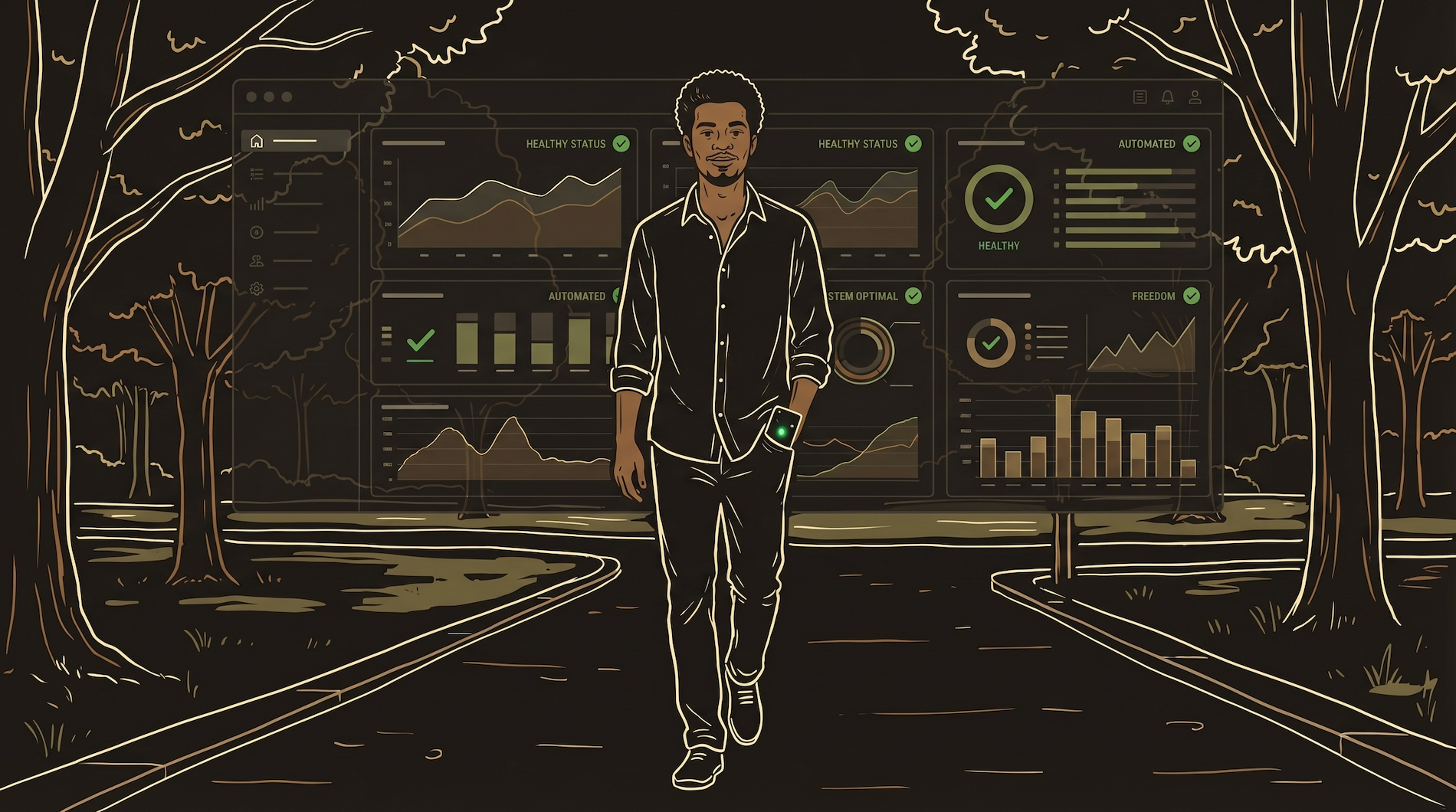
Three Channels, Three Alert Levels
Separation prevents alert fatigue and burnout. If everything goes to one channel, you either ignore everything or check everything anxiously.
#critical-alerts
Your phone buzzes immediately. Payment failures, API outages, auth errors, function crashes, database connection failures. Notifications ON with sound. If this channel pings, you stop what you are doing and investigate. This channel should fire less than once a week — if it fires daily, your thresholds are too sensitive and you will start ignoring it.
#daily-digest
Check with morning coffee. Yesterday's active sessions, new signups, error counts by function, subscription changes, API credit balances. Automated summary sent at 7am. No push notifications — you check on your schedule. This is your pulse check. One glance tells you if yesterday was normal or if something needs attention.
#payment-events
Revenue tracking in real time. New subscriptions, cancellations, renewals, failed charges, refunds. Not urgent, but satisfying to watch and useful for spotting patterns. A sudden spike in cancellations is a signal. Three failed charges in a row from the same provider is a signal. This channel turns revenue from abstract to visceral.
Setting Up the Alert Pipeline
Discord is free, has mobile push notifications, and supports webhooks. Perfect for a solo operation.
The setup takes 20 minutes. Create a Discord server (free). Create three channels: #critical-alerts, #daily-digest, #payment-events. For each channel, go to Settings → Integrations → Webhooks → New Webhook. Copy the webhook URL. Store it as an environment variable in your backend. Now your edge functions can send messages to any channel by POSTing to that URL.
Set notification preferences per channel. #critical-alerts gets "All Messages" with sound. #daily-digest gets "Nothing" (you check manually). #payment-events gets "All Messages" without sound. This prevents alert fatigue while ensuring you never miss something critical.
// Reusable alert sender — call from any edge function

async function sendAlert(channel, title, message, color) {
  const webhooks = {
    critical: process.env.DISCORD_CRITICAL_URL,
    digest:   process.env.DISCORD_DIGEST_URL,
    payments: process.env.DISCORD_PAYMENTS_URL,
  };

  await fetch(webhooks[channel], {
    method: 'POST',
    headers: { 'Content-Type': 'application/json' },
    body: JSON.stringify({
      embeds: [{
        title: title,
        description: message,
        color: color,
        timestamp: new Date().toISOString()
      }]
    })
  });
}

// Usage in your payment webhook:
sendAlert('critical', 'PAYMENT FAILED',
  `User: ${email} | Plan: ${plan} | Error: ${error}`,
  0xFF0000  // red
);

// Usage in your subscription handler:
sendAlert('payments', 'NEW SUBSCRIPTION',
  `User: ${email} | Plan: ${plan} | Source: ${source}`,
  0x00FF00  // green
);
This one function powers your entire alert system. Write it once, import it into every edge function. When your payment webhook catches a failure, it calls sendAlert('critical', ...). When a new subscription activates, it calls sendAlert('payments', ...). When your daily health check runs, it calls sendAlert('digest', ...). One pattern, three channels, complete visibility.
Scheduled Health Checks
Some problems do not crash — they accumulate silently until they are catastrophic.
Subscription Expiry Check
Run daily at midnight. Query your subscriptions table for any active subscriptions past their renewal date. If a subscription should have renewed yesterday but the status is still "active" with no new payment, the webhook probably failed silently. This check catches the most dangerous payment bug: users paying but not getting access, or users getting access without paying.
API Credit Balance
Run every 6 hours. Query your third-party API balances — AI providers, voice services, email senders, anything that uses credits or metered billing. If credits drop below a threshold (enough for approximately 2 hours of normal usage), alert immediately. Running out of API credits means your core feature stops working — for every user, simultaneously, with no warning.
Error Rate Summary
Run daily at 7am. Count yesterday's errors by function and by type. "auth-handler: 3 errors (all token_expired). payment-webhook: 0 errors. core-handler: 12 errors (8 timeout, 4 rate_limit)." Patterns become visible before they become outages. A function that had 2 errors last week and 12 this week is trending toward a failure.
Silent Function Audit
Run weekly. Check when each critical function last executed successfully. If your payment webhook has not fired in 48 hours during a period when you normally get daily payments, something is wrong — either the webhook URL changed, the payment processor stopped sending events, or the function is crashing before it can log anything. The most dangerous failures look like success because nothing happens at all.
📊 DAILY DIGEST — April 9, 2026

Sessions yesterday:    47 (↑12% vs 7-day avg)
New signups:           3
Active subscribers:    142
Revenue yesterday:     $127.94

Function Health:
  auth-handler:       0 errors ✓
  core-handler:       2 errors (timeout)
  payment-webhook:    0 errors ✓
  webhook-receiver:   1 error (invalid sig)

API Credits:
  AI provider:        234,000 remaining (8 days)
  Voice API:          $42.17 remaining (12 days)

Sanity Check:
  Paying subscribers: 142
  With active access: 142
  Mismatch: 0 ✓
That last section — the sanity check — is the most important line in the entire digest. "Paying subscribers: 142. With active access: 142. Mismatch: 0." The day that number is not zero is the day you catch a silent failure before it affects a single user. This one check has caught webhook bugs, database sync issues, and payment processing errors that would have gone undetected for weeks.
Silent Failures — The Category That Kills Products
Loud failures are manageable. The function crashes, an error log fires, your phone buzzes. You fix it in 20 minutes. Life goes on.
Silent failures are the ones that end companies. A silent failure is when your system looks healthy but is not doing its job. The webhook endpoint returns 200 (success) but does not actually update the database because of a typo in a field name. The subscription check runs on schedule but queries the wrong table. The daily digest sends but pulls from cached data instead of live data. Everything looks green on every dashboard. Users are not getting what they paid for.
The defense against silent failures is verification, not observation. Not just "did the function run?" but "did the function produce the correct result?" Your subscription check should not just verify that the function executed — it should verify that every paying user actually has active access. Your webhook handler should not just return 200 — it should log exactly what it did with the event and what database row it changed.
Function receives event → Function returns 200 (success) → External service marks event as delivered → But the function's internal logic had a bug → Database never updated → User never got access → Dashboard shows all green → Nobody notices for days. The fix: log not just that the function ran, but what it did. "Updated subscription for user_123 to plan Pro, status active" is verifiable. "Processed event successfully" is not.
Crash Reporting & Error Tracking
Your Discord alerts catch backend errors. Crash reporting catches frontend errors on user devices.
Backend monitoring (Discord alerts) catches problems with your server-side functions. But your app also runs code on user devices — phones, tablets, browsers. When the app crashes on someone's iPhone, your backend never knows. The user just sees the app disappear. They might try again. They might delete the app. You never find out.
Crash reporting tools catch these client-side failures automatically. When the app crashes, the tool captures what happened — the error message, the stack trace, the device type, the OS version, what the user was doing — and sends it to a dashboard you can review.
| Tool | Free Tier | Best For | Key Feature |
|---|---|---|---|
| Sentry | 5K errors/mo | Error tracking across web + mobile | Groups similar errors together. Shows which release introduced a bug. "This error started after yesterday's deploy" — instant root cause. |
| Bugsnag | 7.5K events/mo | Mobile-focused crash reporting | Stability scores per release. "Version 2.3.1 has a 99.2% crash-free rate vs 97.8% for 2.3.0." Tells you if a deploy made things better or worse. |
| LogRocket | 1K sessions/mo | Session replay + error tracking | Records what the user actually saw and did before the crash. Like watching a security camera of the bug happening. |
Pick Sentry if you want one tool for everything. Pick Bugsnag if your app is mobile-first. Pick LogRocket if understanding user behavior around bugs matters most.
When the Alert Fires — Incident Response
Having alerts is half the battle. Knowing what to do when they fire is the other half.
Assess Severity
Is this affecting all users or one user? Is it a payment issue (users losing money) or a cosmetic issue (wrong color on a button)? Payment and auth failures are always top priority. If users cannot log in or cannot pay, everything else waits.
Check What Changed
Open your changelog (Chapter 6). What was deployed in the last 24 hours? Most production issues are caused by recent changes. If you deployed a new payment handler yesterday and payments are failing today, start there. If nothing changed, the problem is external — API provider outage, expired credentials, or a sudden traffic spike.
Fix or Rollback
If the bug is in your code and you can fix it quickly (under 30 minutes), fix it. If the fix is complex or you are not sure, rollback to the previous version first, then fix in staging. A working old version is better than a broken new version. Users do not care about new features — they care about the app working.
Document What Happened
After the fix: write a one-paragraph incident report. What broke, when, how many users were affected, what caused it, how you fixed it, and what you will do to prevent it from happening again. This takes 5 minutes and prevents the same issue from recurring. Add it to your changelog.
The goal of monitoring is not to prevent all failures — that is impossible. The goal is to reduce the time between "something broke" and "you know about it" to minutes instead of days.
Product Analytics — Understanding What Users Actually Do
Monitoring tells you when things break. Analytics tells you what is working. Both are essential, but analytics is the one most solo founders skip.
Without analytics, you make product decisions based on vibes. "I think users like the new onboarding." "I feel like retention is getting better." "It seems like people are using feature X." Vibes are unreliable. Data is not.
The Four Metrics That Matter
Activation: What percentage of signups actually use the core feature? If 100 people sign up and only 20 complete their first session, your onboarding is the problem — not your marketing, not your pricing, not your product. Fix onboarding first.
Retention: Of users who were active last week, how many are active this week? Retention is the single most important metric for a subscription product. A product with 5% weekly churn loses half its users in 13 weeks. A product with 2% weekly churn keeps 74% after 13 weeks. The difference between those two numbers is the difference between a sustainable business and a leaky bucket.
Feature usage: Which features do paying users actually use? Which features do churned users never touch? This tells you what to build more of and what to stop investing in. If your most-used feature is the one you spent the least time building, that is a signal about where to focus next.
Conversion funnel: Signup → first session → second session → payment. Where do people drop off? If most drops happen between signup and first session, your onboarding needs work. If most drops happen between third session and payment, your free tier might be too generous or your paid tier's value proposition is not clear enough. The funnel shows you exactly where to focus.
| Tool | Free Tier | Best For | Key Feature |
|---|---|---|---|
| Mixpanel | 20M events/mo | Event-based analytics, funnels | Best funnel visualization. "Show me everyone who signed up, used feature X within 7 days, then paid." Generous free tier covers most startups for years. |
| PostHog | 1M events/mo | All-in-one (analytics + replay + flags) | Open source, self-hostable. Session replay shows exactly what users did before they churned. Feature flags for A/B tests built in. Lower free tier but more tools included. |
| Amplitude | 50K tracked users/mo | Behavioral cohorts, retention | Best retention analysis charts. "Compare retention of users who completed onboarding vs those who skipped it." Enterprise-grade analytics on a free tier. |
Pick one. Implement it in week one. You can switch later — the patterns you learn transfer across all three tools.
Implementation — Start With Five Events
You do not need to track everything on day one. Five events give you 80% of the insight.
// Event 1: Did they create an account?
track('signup_completed', {
  source: 'web',      // web, ios, android
  referrer: document.referrer
});

// Event 2: Did they start using the product?
track('first_session_started', {
  time_since_signup: minutesSinceSignup
});

// Event 3: Did they complete a meaningful action?
track('session_completed', {
  duration_seconds: sessionDuration,
  feature_used: featureName
});

// Event 4: Did they try to pay?
track('payment_initiated', {
  plan: selectedPlan,
  source: 'pricing_page'
});

// Event 5: Did the payment succeed?
track('subscription_activated', {
  plan: activatedPlan,
  payment_method: 'stripe'
});
These five events give you your activation rate (events 1→2), your engagement level (event 3), your conversion funnel (events 1→4→5), and your retention curve (event 3 over time). Add more events as you identify specific questions — "why are users dropping off after the third session?" leads you to add feature_x_used and feature_y_used events to find the answer.
Naming consistency is critical. Use session_completed everywhere — not session_complete in one place and sessionCompleted in another. One naming convention, snake_case, across every platform. When your events have inconsistent names, your funnels break and your dashboards show incomplete data.
What to Monitor When — The Progression
Do not try to monitor everything on day one. Build the system as your product matures.
The Essentials
Discord server with 3 channels. Alert function in your backend. Try/catch blocks that send errors to #critical. Payment events to #payment-events. This takes 2-3 hours and gives you baseline visibility.
Analytics + Health Checks
Pick an analytics tool and implement the 5 core events. Add scheduled health checks for subscription expiry and API credit balances. Set up the daily digest. Now you have operational awareness and product insight.
Deep Instrumentation
Add crash reporting (Sentry). Add feature-specific analytics events. Build custom dashboards for metrics that matter to your business. Add A/B testing via feature flags. Implement the silent function audit. By now you have a complete observability system.
Alert Fatigue — The Monitoring System That Defeats Itself
The biggest risk of monitoring is not missing an alert — it is getting too many. When your #critical-alerts channel fires 10 times a day for non-critical issues, you stop checking it. When you stop checking it, the one truly critical alert — the payment processor is down, users cannot log in — gets buried in noise.
The rule: #critical-alerts should fire less than once a week during normal operations. If it fires more often, your thresholds are wrong. Raise the thresholds. Move informational alerts to #daily-digest. Reserve #critical for events that require immediate human action — not "a user got a 404" but "the auth system is returning errors for all users."
Review your alert thresholds monthly. As your user base grows, what was "unusual" at 50 users becomes "normal" at 500. An error rate of 2% with 50 users is 1 error per day. At 500 users it is 10 errors per day — probably still fine, but your alert will fire constantly if the threshold is still set to "more than 3 errors."
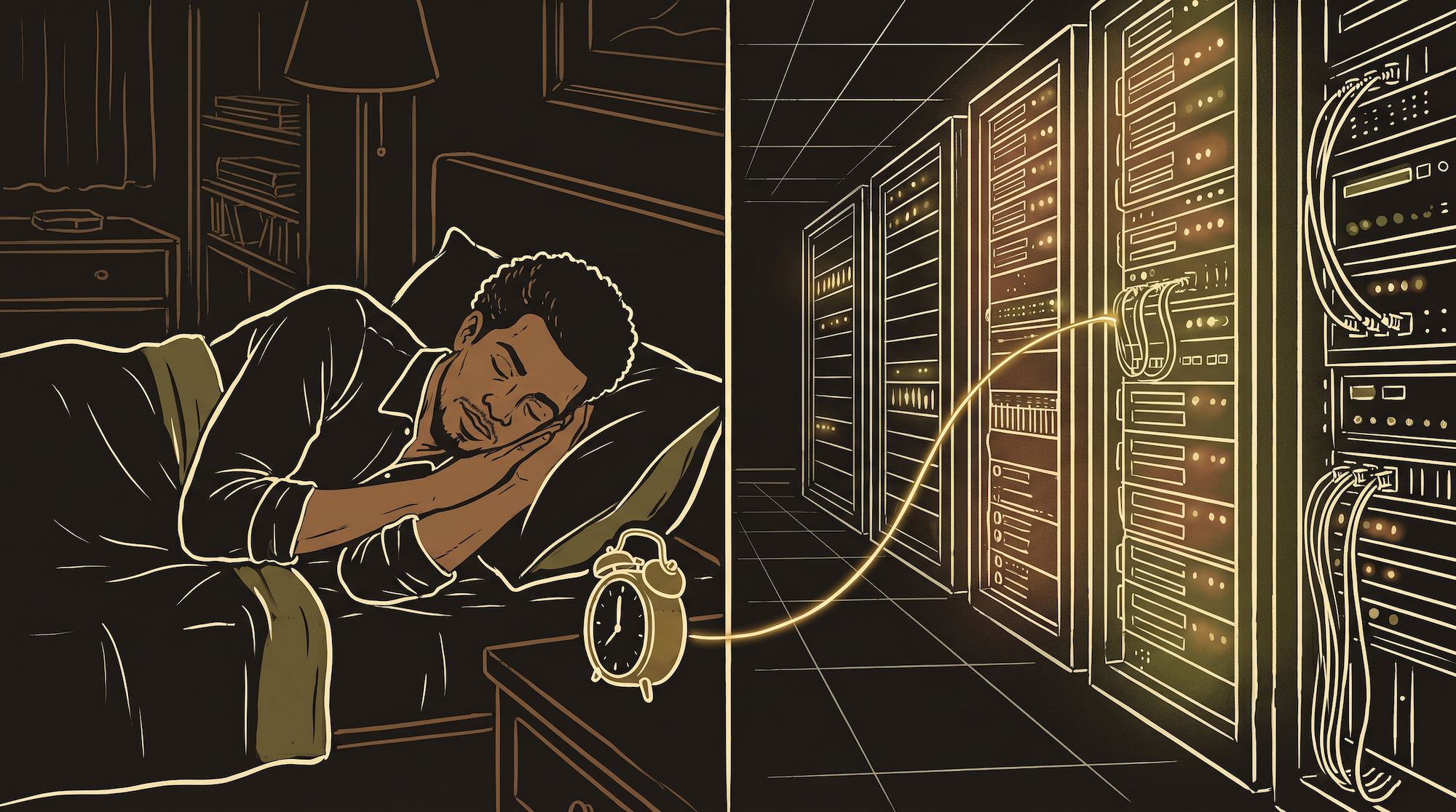
The entire monitoring setup takes about half a day. Analytics takes another half day. In return, you sleep knowing that if something breaks at 3am your phone wakes you up — and you make product decisions based on data instead of vibes.