Content Production
You can produce professional-quality video, voice, and music from your laptop. The tools are real. Here is what actually works in production versus what makes good demos.
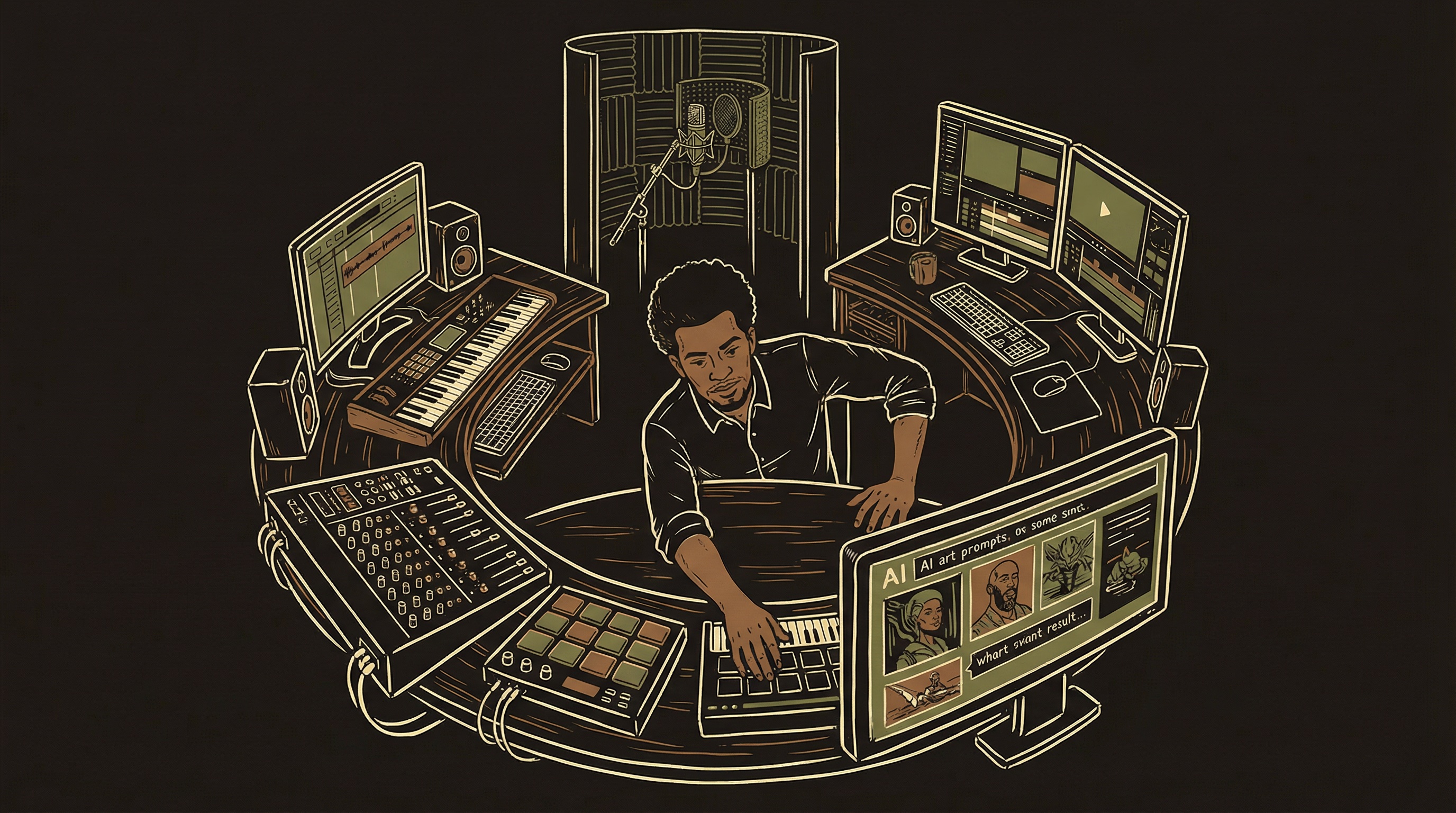
AI content tools are like getting a food photographer, videographer, and copywriter on retainer — available 24/7 for a flat monthly fee. 90% of the quality at 1% of the cost. The catch: credits burn fast your first month when you are still learning the prompts. Budget for a steeper first bill.
Most AI content tools use credit-based pricing. Credits burn fast — especially in your first month when you are generating 10-20 attempts per shot to learn the tool. A $30/month plan sounds cheap until you burn through all credits in week one and need a $50 top-up. Budget your first month at 2-3x the listed price. Costs decrease sharply with experience because you waste fewer generations.
AI Video Tools — The Full Landscape
What each tool actually does well, what it costs, and where it falls short.
| Tool | Best For | Pricing | Key Notes |
|---|---|---|---|
| Luma (Dream Machine) | Project management, multi-model access | $30-100/mo | Project canvas organizes entire productions. Accesses multiple models under one subscription. |
| Kling | Dialogue scenes, lip-sync | $30-66/mo | Best lip-sync in the market. Multi-shot storyboarding. 4K output. Go-to for characters talking. |
| Sora | Cinematic establishing shots | $20-200/mo | Beautiful atmospheric footage and camera movements. Less mature for dialogue. Excellent B-roll. |
| HeyGen | Avatar presenters, talking heads | $29-89/mo | Best for training videos, product demos, explainers. Upload a face or use stock avatars. |
| Leonardo | Reference images, style-consistent stills | $12-60/mo | Strong for character reference sheets. Use for Step 1 of the pipeline — generating references. |
| Nana Banana | Character-consistent video | Credits-based | Specializes in maintaining character identity across shots. Newer entrant, evolving fast. |
Dialogue scenes from Kling. Establishing shots from Sora. Avatar explainers from HeyGen. Reference images from Leonardo. Stitch them together in your editor. No single tool does everything well. The best producers route each shot to the tool that handles it best — exactly like model routing in AI product architecture (Chapter 2).
The Production Pipeline
Separate creating what your character looks like from what they do.
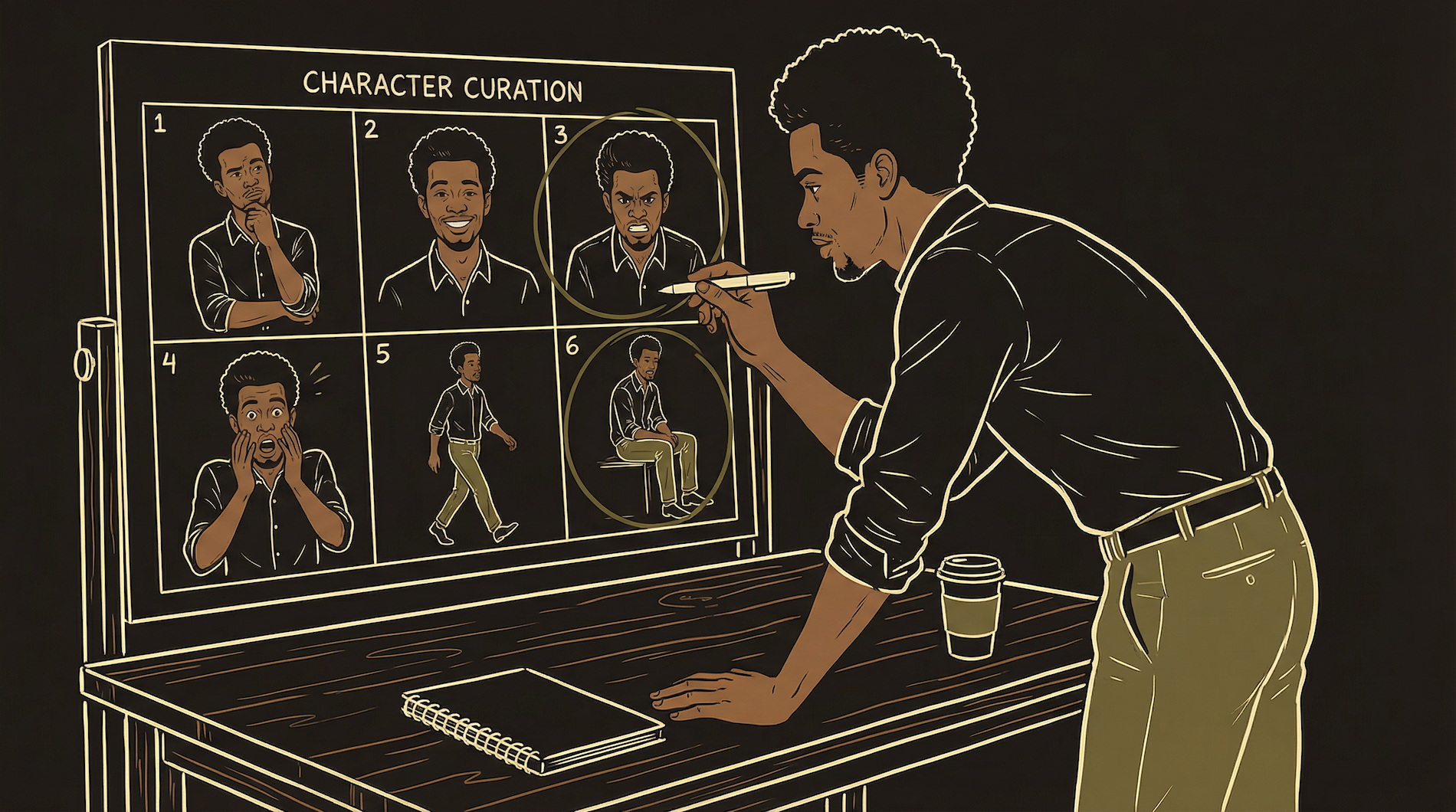
The most important principle: generate your character's appearance first, lock it, then use those reference images for every scene. Without this, your character looks different in every shot.
The reference image grid is your character bible. Generate 20-30 images of each character in different angles, expressions, and lighting. Select the best 6-8 that show consistent features. Arrange them in a grid (your reference sheet). Every video generation prompt includes this sheet as the input image. This keeps your character looking like the same person across a 10-minute video made from 40 separate clips.
Real Examples — Production Content
Actual AI-generated content from a live product. Not demos — production.
Voice AI — The Tools That Matter
Voice quality has crossed the uncanny valley.
| Tool | Best For | Pricing | Key Advantage |
|---|---|---|---|
| ElevenLabs | Voice quality, cloning, real-time conversation | Free → $22-1300/mo | Best voice quality. Conversational AI API for real-time interactions. Custom cloning. 29 languages. |
| OpenAI TTS / Whisper | Simple TTS + transcription | Per-character / per-minute | Integrated with GPT. Simple API. Whisper is the best transcription model. Good for adding voice to existing OpenAI products. |
| PlayHT | Large voice library, long-form audio | Free → $29-99/mo | Massive voice library. Strong cloning. Good for podcasts, audiobooks, content needing many distinct voices. |
Music Generation
Original music without licensing fees. Background tracks in minutes.
| Tool | Best For | Pricing | Prompt Tips |
|---|---|---|---|
| Suno | Full songs with vocals | Free → $10-30/mo | Describe mood + genre + tempo. "Warm acoustic guitar, gentle male vocals, 80 BPM." Add [Verse] [Chorus] tags. |
| Udio | Genre accuracy, instrumentals | Free → $10-30/mo | Strong at matching genres. "Lo-fi hip hop instrumental, vinyl crackle, mellow piano." Specify "instrumental" to skip vocals. |
| Stable Audio | Background/ambient tracks | Free → $12-36/mo | Best for ambient soundscapes. "Ambient electronic, slow build, cinematic strings, 90 seconds." Specify duration. |
Editing and Post-Production
The AI tools generate raw material. Editing is where it becomes a finished product. This is not optional — unedited AI output looks like unedited AI output.
The Audio Layering Rule
Voice track first, at 100% volume — this is your foundation. Music at 15-20% during dialogue, rising to 40-60% during transitions. Sound effects at 10-30%. If someone has to strain to hear the voice over the music, the music is too loud. Always mix with headphones. Always test on phone speakers.
Transitions and Pacing
Cut on action — transition when something happens, not during dead space. AI-generated clips often have 1-2 seconds of "settling" at the start where the generation is finding its footing. Trim these. A 5-second clip trimmed to 3 seconds with the first second removed almost always looks better than raw output.
Caption Generation
Captions are mandatory for social distribution — 85% of social video is watched with sound off. Auto-captions are 90-95% accurate, which means 5-10% wrong. One misspelled word per sentence breaks trust. Always review.
Export Settings
For social and web: 1080p H.264, AAC audio, under 100MB. For higher quality: 4K H.265 if source is 4K. Always export a 1080p version alongside any 4K — most phones display at 1080p and the file is 4x smaller.
The tool that matters most is not any AI generator — it is the editor where you assemble the final product. Get comfortable in CapCut, DaVinci Resolve, or whatever you choose. The edit is where amateur becomes professional.