Shipping Mobile
Building a mobile app is hard. Getting it through Apple and Google review is a different kind of hard — one that catches even experienced developers off guard. Both deserve respect and planning.
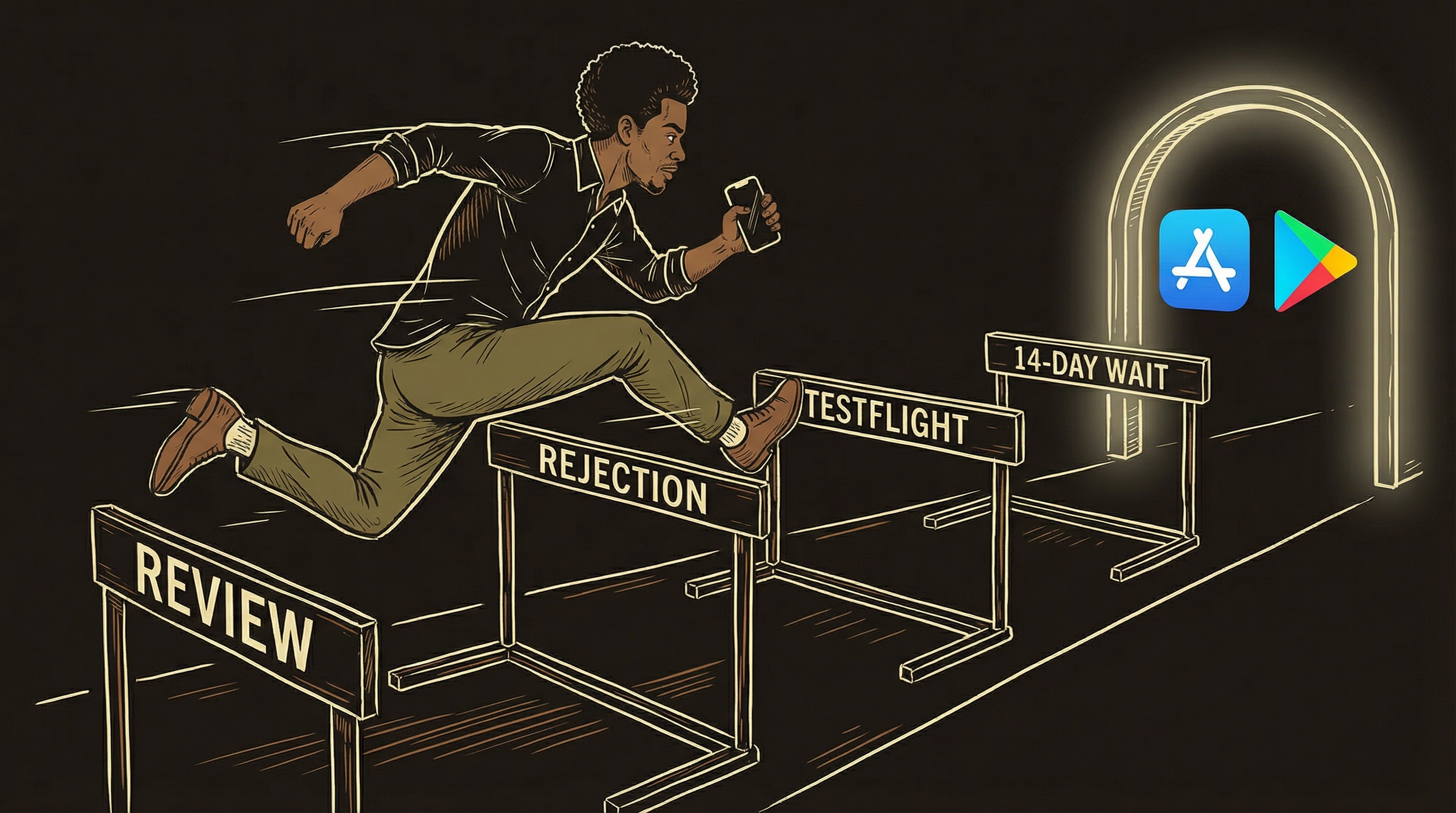
Opening a restaurant has two phases. Phase one: build the kitchen, design the menu, learn to cook every dish consistently. Phase two: pass the health inspector, fire marshal, and building code reviewer — who have different requirements and do not talk to each other. Plan for three inspection rounds before you pass.
Two Different Kinds of Hard
The code and the submission are both real work.
Building a mobile app is legitimately difficult. Cross-platform frameworks help enormously, but you are still dealing with platform-specific behaviors, navigation patterns, state management, performance optimization, and making something that feels native on two completely different operating systems.
Then you submit it. And you discover a second kind of hard: bureaucratic hard. Screenshots in specific sizes. Metadata fields with strict character limits. Privacy policies with specific AI disclosures. Review teams that take days to respond. Rules that differ between Apple and Google — and that change between when you read them and when you submit.
Neither part is easy. The code is where you build something worth shipping. The submission process is where you learn patience and attention to detail. Plan for both.
One Codebase, Two App Stores
Write once, ship to both platforms.
Cross-platform frameworks like React Native (with Expo) or Flutter let you write your app once and have it work on both iPhones and Android phones. Major apps — Instagram, Shopify, Discord — use this approach. The technology is mature.
The practical benefit for solo founders: one codebase instead of two. One set of business logic, one set of UI components, one set of bugs. React Native uses JavaScript/TypeScript, which means AI coding tools understand it extremely well. Flutter uses Dart, which has a smaller community and less AI training data. If you are building with AI assistance, React Native has a meaningful advantage today.
Apple Developer
/year — required for App Store. Includes TestFlight, App Store Connect, developer forums.
Google Play
One-time — required for Play Store. Includes Play Console, testing tools, release management.
Build Service (Pro)
/month — EAS Build or similar. Builds in the cloud. Never touch Xcode or Android Studio directly.
The App Store Gauntlet
Apple will reject your app. Probably multiple times. That is normal.
Three rejections before approval is completely normal for a new app. Each rejection cites a specific guideline and describes what to fix. Address exactly what they flagged — nothing more — and resubmit.
Guideline 3.1.1 — Payment Rules
If your app sells digital content, Apple wants a cut. In the US, recent court rulings give more flexibility to link to external payments. Rules vary by country and change regularly. Always check current guidelines before implementing payment flows.
Guideline 5.1.1 — AI Privacy Disclosure
If your app uses AI, Apple wants users to know what data goes to AI providers. An info screen is not enough — users must actively tap "I Accept." Privacy nutrition labels must accurately reflect every data point collected.
Guideline 4.0 — Design Guidelines
Apple has opinions about navigation, button sizes, and accessibility. Tab bars at the bottom, not top. Touch targets 44x44pt minimum. Sufficient text contrast. Depart significantly and they will flag it.
Metadata Mismatch
Screenshots must match the actual app. Descriptions cannot make unsupported claims. Age ratings must be accurate. If your app has AI-generated content, the age rating needs to account for the range of possible outputs.
Guideline 4.3 — Spam / Copycat
Your app looks too similar to existing ones. Lead with what differentiates you in the first two screenshots. Clear differentiation in description and metadata.
Incomplete Features
Every button must work. No dead ends, blank screens, or "coming soon" text. If a feature is not ready, hide it behind a feature flag — do not ship placeholders.
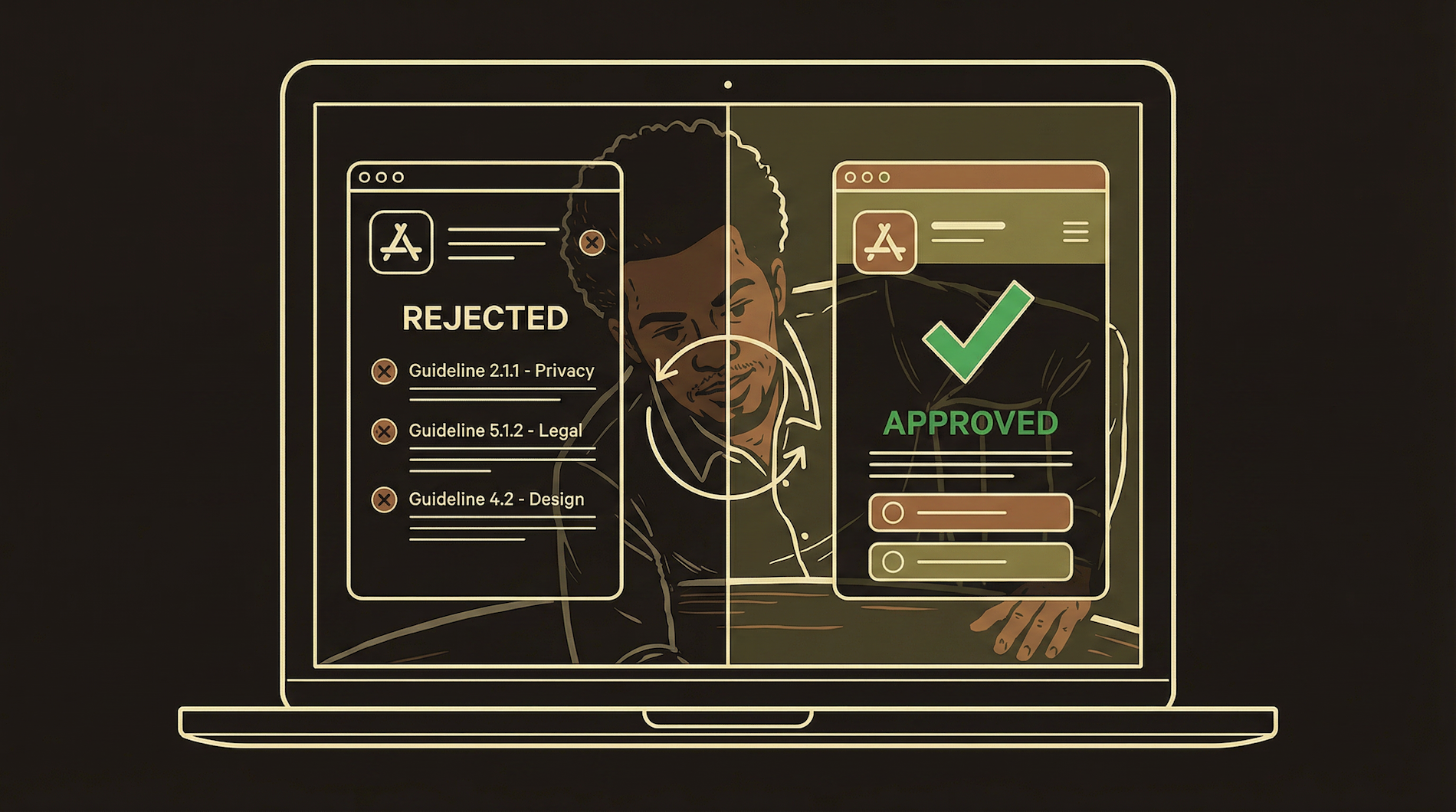
Before submitting, paste Apple's App Store Review Guidelines into a Claude conversation along with your app description, screenshots, and privacy policy. Ask it to audit your submission against the guidelines and flag potential rejection points. This takes 15 minutes and catches issues that would cost you 3-5 days per rejection cycle. Do this every time.
Plan for four to six weeks from "works on my phone" to "live in the App Store." Each rejection cycle takes 2-5 days. Three cycles = 6-15 days just waiting. Add time for screenshots, metadata, privacy labels, and the inevitable last-minute bug. Do not announce a launch date until you are approved.
TestFlight — Apple's Gift to Solo Developers
Fast beta reviews, public links, QR distribution.
TestFlight is Apple's beta testing platform, and it is genuinely easy. Builds go through a lighter, faster review — usually same-day or within hours. Once approved, testers install your app directly on their device.
Internal & External Testers
Add testers by email in App Store Connect. Internal testers (up to 100) get builds immediately. External testers (up to 10,000) require a brief beta review. Good for targeted testing with specific people.
Public Link (Recommended)
Generate a public TestFlight link — no email collection needed. Put it in a QR code on your website or social media. Users scan, install TestFlight if needed, and your app downloads. Fastest path to real beta users.
Use TestFlight aggressively. Every build, every feature, every bug fix. Your TestFlight testers are your quality assurance team. When they find bugs before Apple does, they save you an entire rejection cycle.
Screenshots and Metadata
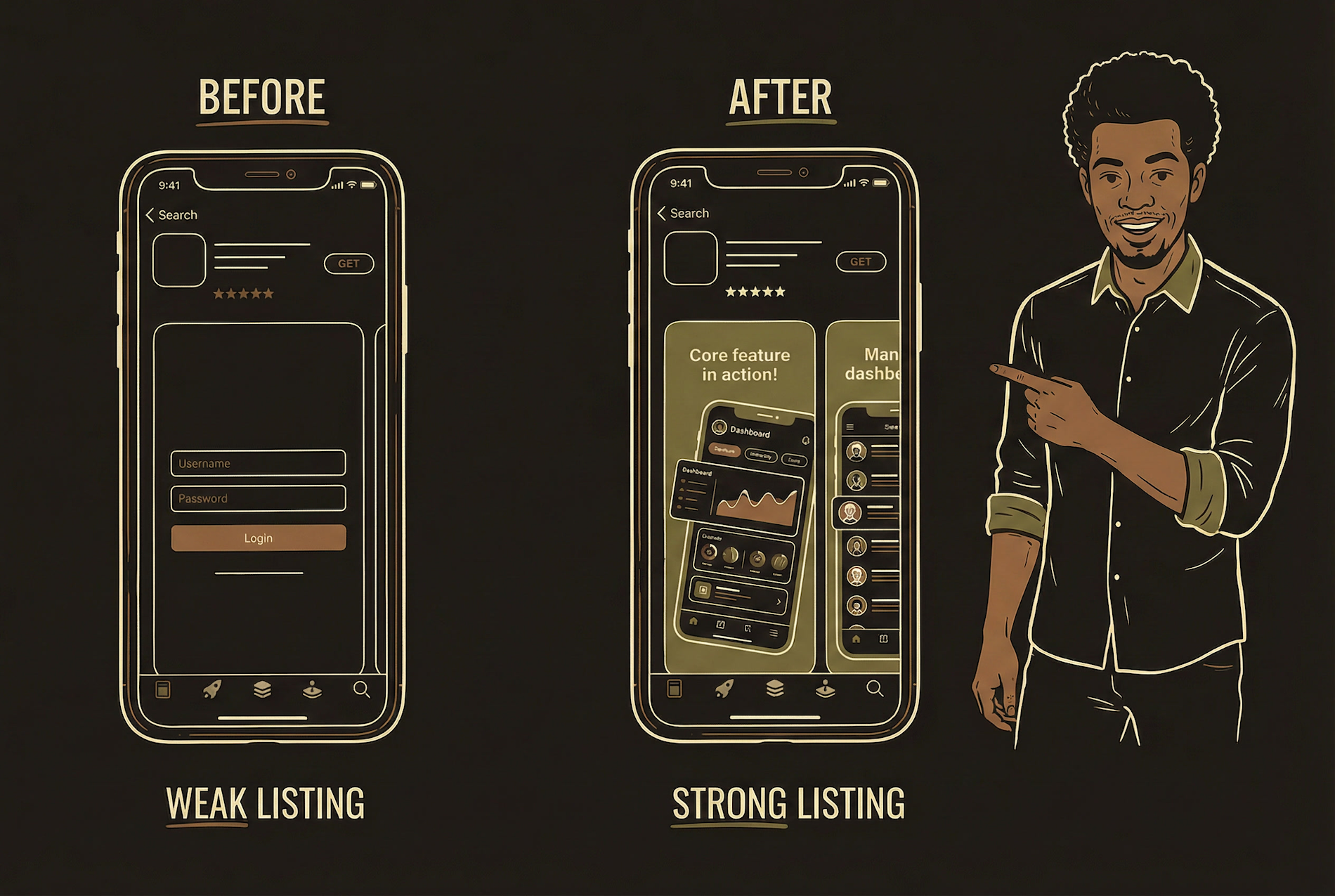
Most people never read the description. They look at the first two screenshots.
Apple requires: app name (30 chars), subtitle (30 chars), description (4,000 chars), keywords (100 chars), and screenshots for 6.7" and 5.5" displays. Google Play has similar requirements with slightly different dimensions and adds a feature graphic (1024x500).
Screenshots matter more than the description. Show your core value — not the login screen, not the settings page, not a splash screen. Show the thing that makes someone say "I need this." The first two screenshots are your pitch. Everything else is bonus.
Two Ways to Update
Understanding the difference saves you days of unnecessary review cycles.
Over-the-Air Update
Goes directly to users without App Store review. Limited to JavaScript changes: text, colors, images, layout, minor logic. Like fixing a typo on the menu — no health inspection needed. Users see changes within hours. Expo's EAS Update handles this.
Full Build
Complete rebuild and resubmission through both stores. Required for new native screens, new SDKs, permission changes, structural changes. Like a kitchen renovation — the inspector comes back. 1-3 days for Apple review. Batch native changes together.
Google Play — Different Rules, Different Pain
Faster approvals, vaguer rejections, mandatory 14-day testing.
Google Play review is generally faster — approvals often happen within hours. But rejections can be vague, harder to appeal, and sometimes inconsistent. The biggest difference for new apps: Google requires a 14-day closed testing period with at least 20 testers who opt in via email before you can publish to production. You cannot bypass this. Plan for it from day one.
Option A: Your Network
Email 20+ contacts their Gmail addresses. Add them to closed testing in Play Console. Each must click the opt-in link and install. 14-day clock starts when the first tester opts in.
Option B: Hive Mind / Testing Communities
Services like Hive Mind connect developers who need testers. You test their app, they test yours. Solves the 20-tester requirement without bothering your personal network.
Apple vs Google — Side by Side
Every difference that matters in one table.
| Apple App Store | Google Play Store | |
|---|---|---|
| Developer Fee | $99/year | $25 one-time |
| Review Time | 24-48 hours average | Hours to a few days |
| Beta Testing | TestFlight — public links, QR, 10K testers | Closed testing — 20 emails, 14-day wait |
| Rejection Style | Specific guideline citations, clear fixes | Often vague, harder to appeal |
| Commission | 15% (Small Business) or 30% | 15% (first $1M/year) or 30% |
| External Payments | Allowed in US (with IAP alongside) | More restrictive, evolving |
| OTA Updates | JS-only changes bypass review | Staged rollouts (10% → 50% → 100%) |
| AI Disclosure | Required — active consent tap | Required in privacy policy |
| Strategy | Submit first — harder review = quality gate | Submit after Apple passes you |
Pre-Submission Checklists
Missing any one of these can cost you a rejection cycle.
Apple — App Store Connect
App name (30 chars)
Subtitle (30 chars)
Description (4,000 chars)
Keywords (100 chars)
6.7" + 5.5" screenshots
Privacy policy URL (live)
Age rating completed
AI disclosure + consent screen
Privacy nutrition labels
All buttons functional
Small Business Program enrolled
TestFlight tested on real devices
Google — Play Console
App title (50 chars)
Short description (80 chars)
Full description (4,000 chars)
Feature graphic (1024x500)
Phone + tablet screenshots
Privacy policy URL
Content rating questionnaire
Data safety section completed
14-day closed testing done
20+ testers opted in
Target API level current
AAB format (not APK)
Submit to Apple first. If it passes Apple's review, it will almost certainly pass Google's. The reverse is not true.